Precedent
A local-first macOS workspace that keeps the references you do not want to lose and brings them back when a project needs them.
Context
Saving Is the Easy Part
Useful material in design work ends up scattered across tabs, screenshots, documents, chat threads and voice memos. For years Slack was the go-to place for secrets, passphrases and certificates. It is not built for that, and everything is gone the moment the account is. Password managers keep secrets, but not media or documents.
Saving is trivial. The hard problem is remembering that a reference exists at the moment it becomes relevant, and why it was kept. A solo project end to end, with one rule set on the first day: capture first, classify later.
The Product
Two Concepts, Nothing More
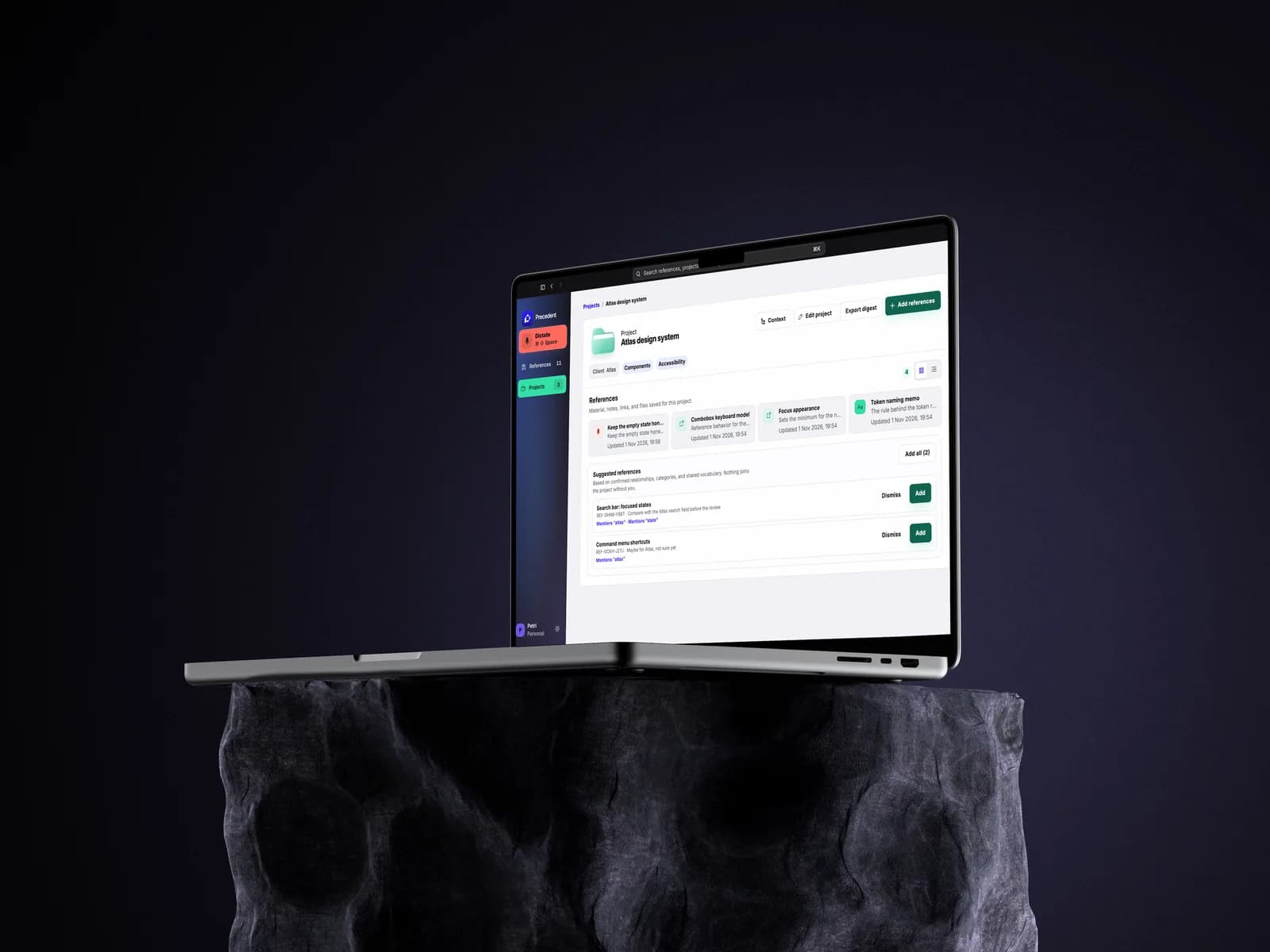
A Reference is a piece of source material plus the note on why it matters. A Project is a home for related references and needs only a name. That is the whole model. Bookmarks, tasks, packs and modes were all considered and kept out of the vocabulary.
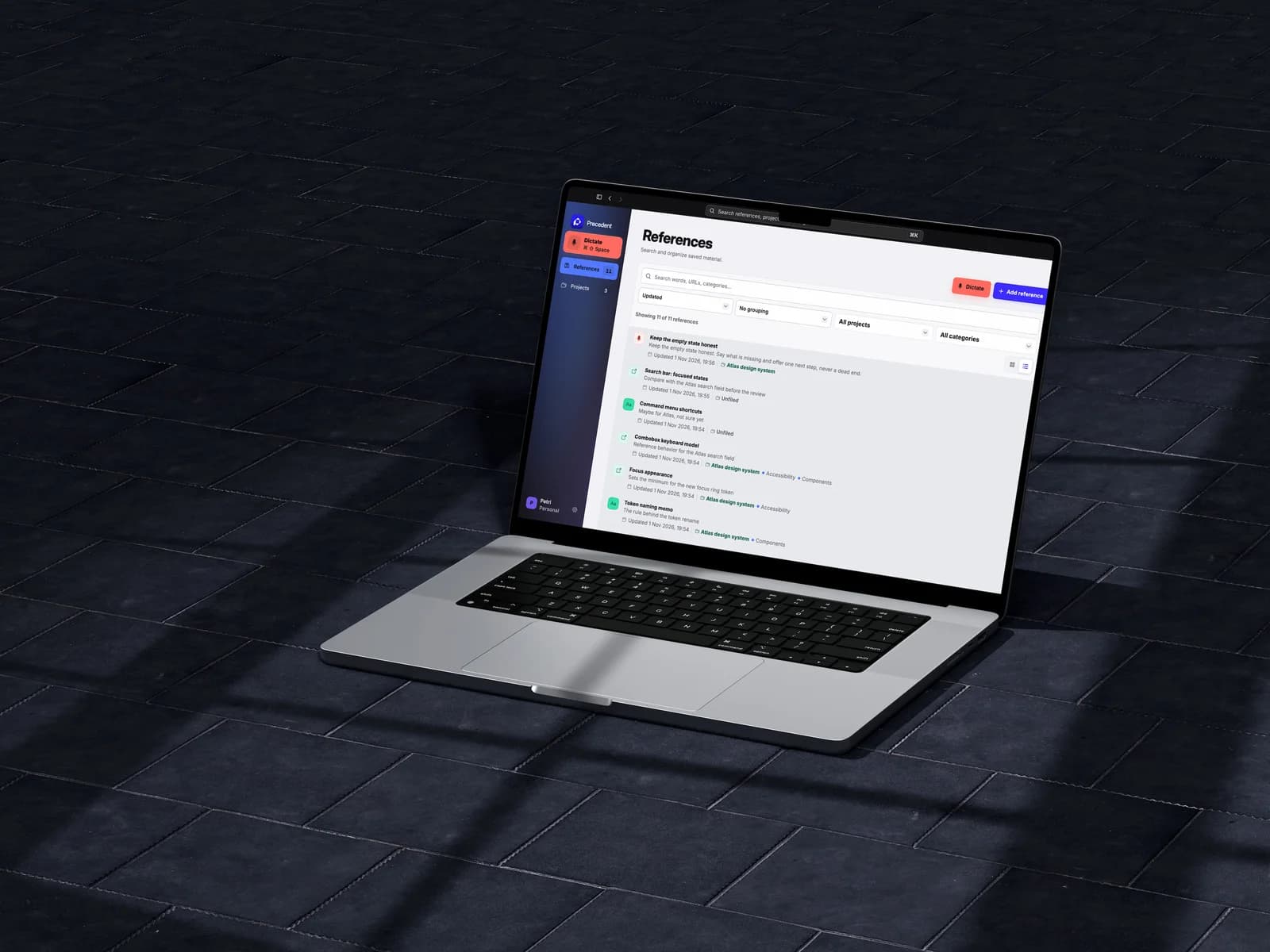
Every reference keeps its source, its reason and its project, if it has one.
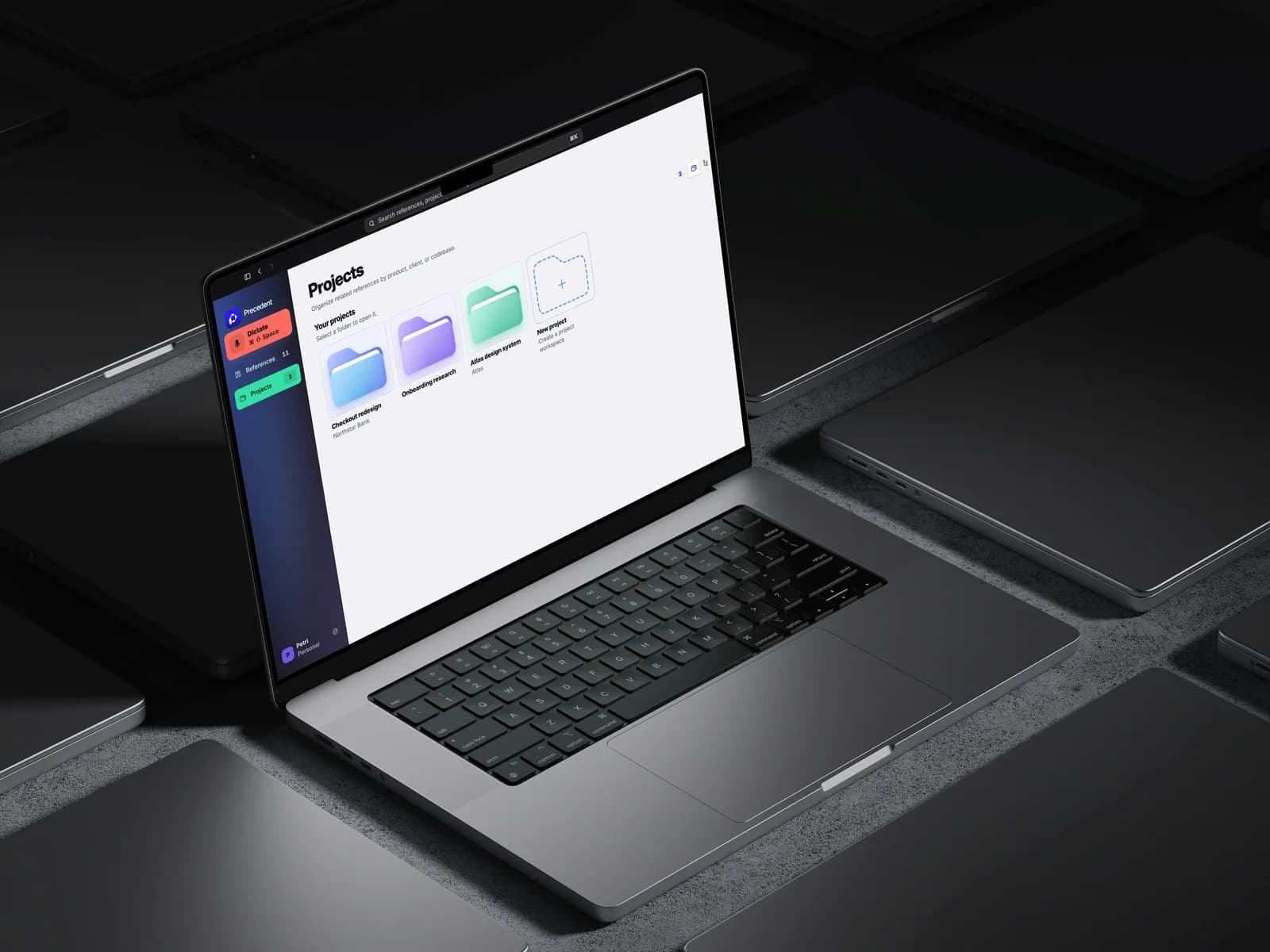
A project needs only a name. Client and categories are optional.
The Pivot
Cutting the Workflows
The first plan was bigger, with workflows for tracking decisions and outcomes. On 7 August they came out in a single commit. Hiding them behind a flag was considered and rejected.
Every one of those workflows asked the user to run a process before the tool had earned any trust. The product got smaller and clearer in one day.
Decisions
3 Product Lessons
One capture surface, no modes. Paste, drop or dictate, and Precedent recognizes the content after it arrives. The earlier tabbed capture for text, clipboard and files was removed: the system classifies input, never the user.
Uncertainty is a state, not an error. An explicit command links directly. A plausible match becomes a suggestion the user adds or dismisses. Anything ambiguous stays unassigned. Inference never silently becomes fact.
The original stays original. Links keep a page snapshot, images keep their file and dictations keep an immutable raw transcript next to the editable note. Edits create versions.
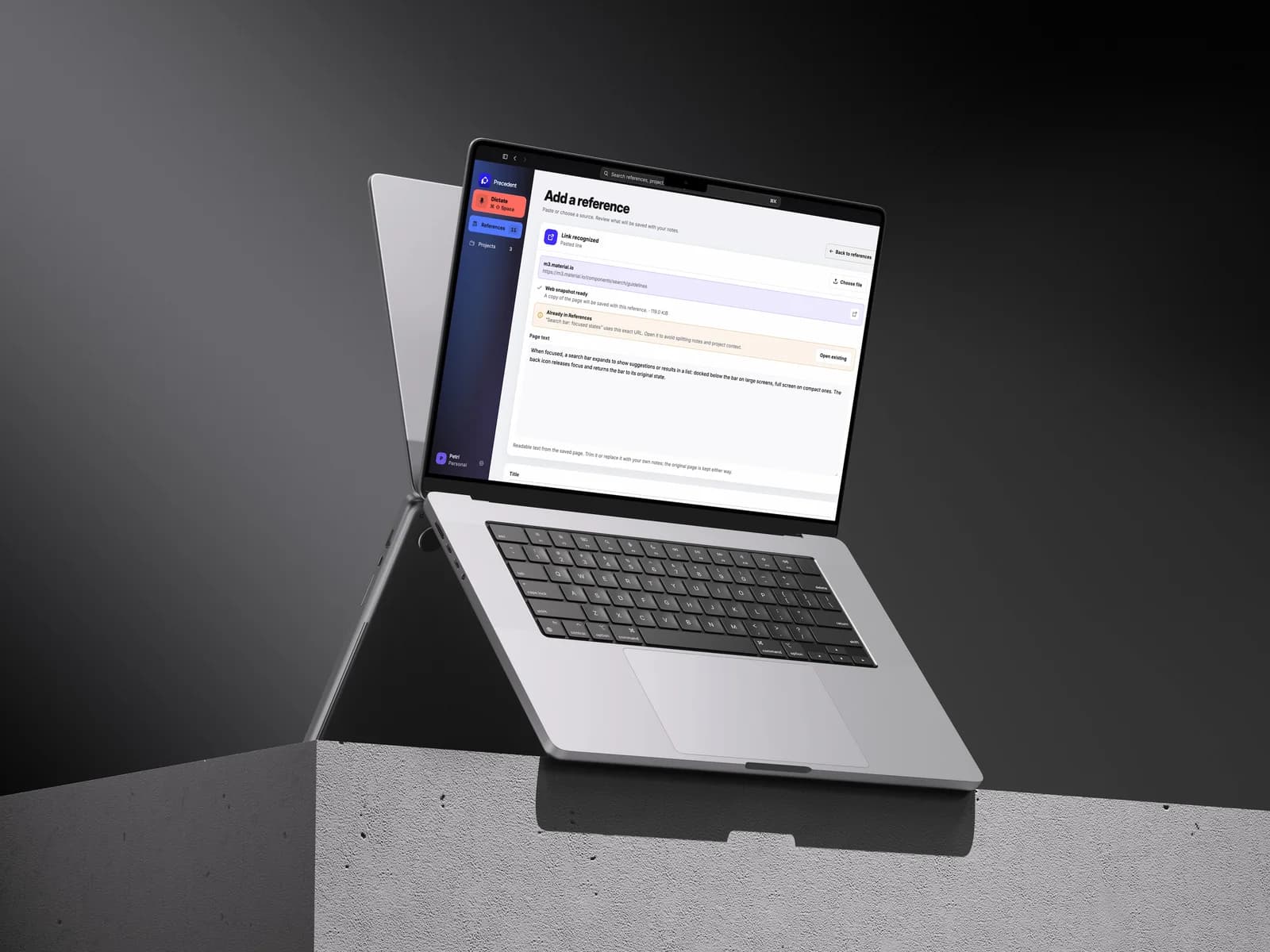
A pasted link becomes a page snapshot with readable text to trim, and Precedent warns when it is already saved.
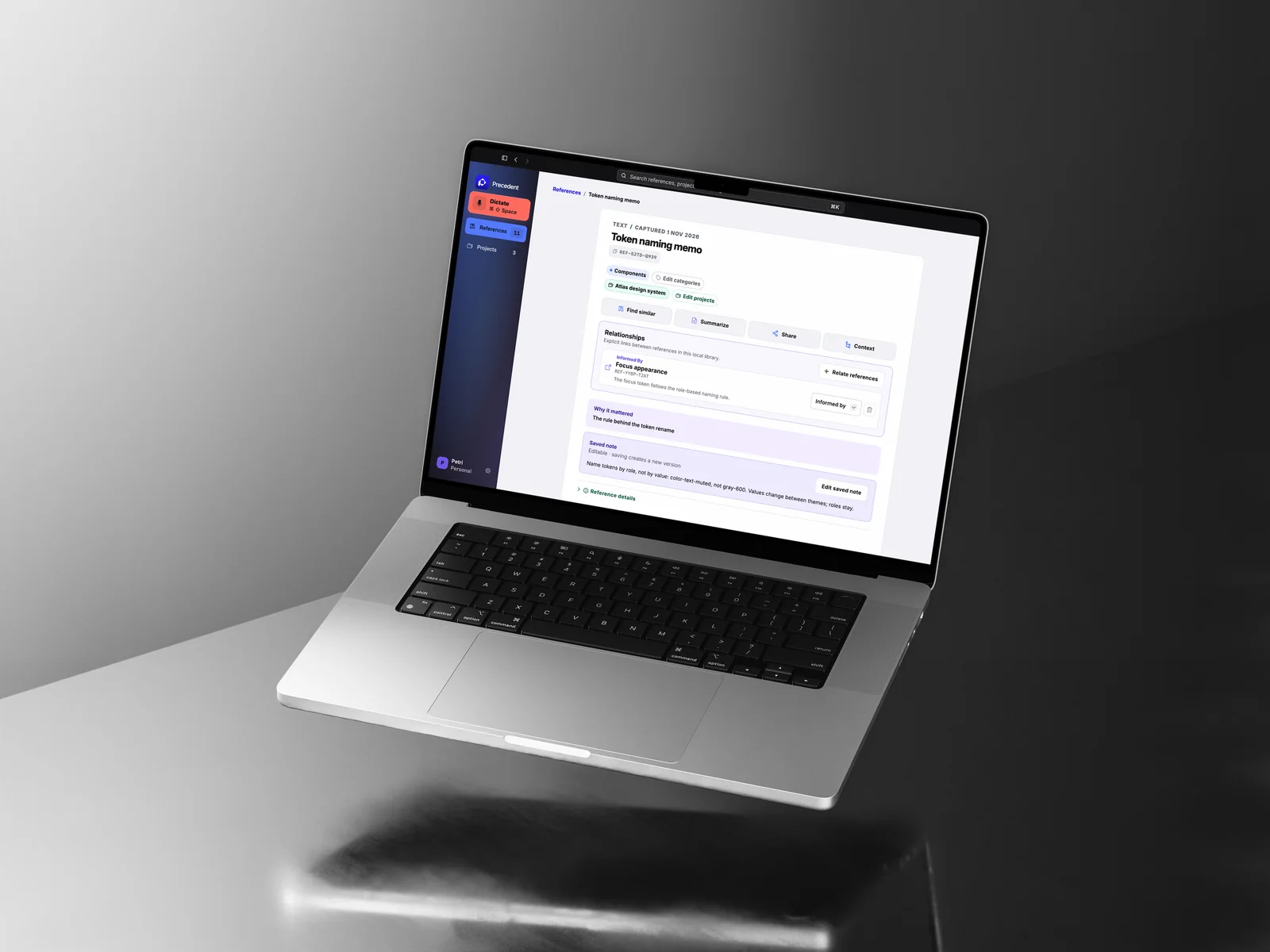
Relationships carry their own reason, and every reference has a key that can be cited.
Voice
Voice In, Reference Out
Dictation starts from the sidebar, the menu bar or a global shortcut, and works with the main window closed. A live input meter replaced a decorative recording pulse, because a pulse cannot prove the microphone is hearing anything.
The first speech engine did not pass its own test. Against 50 real working dictations it got about one word in six wrong, misheard half of the names and sometimes wrote text into silence. Switching to whisper.cpp, with silence gating and a correction pass for known terms, changed that:
- Word error rate
- 8.6%
- Down from 16.4%
- Names heard right
- 97%
- Up from 53%
- Words invented from silence
- 0
- Down from 16
Measured on 50 dictations by one speaker, the designer. The figures describe one voice, not speech in general.
An on-device cleanup model was also tried and rejected: it rebuilt links it had misheard instead of flagging them. Everything is transcribed on the Mac, by a helper with no network access.
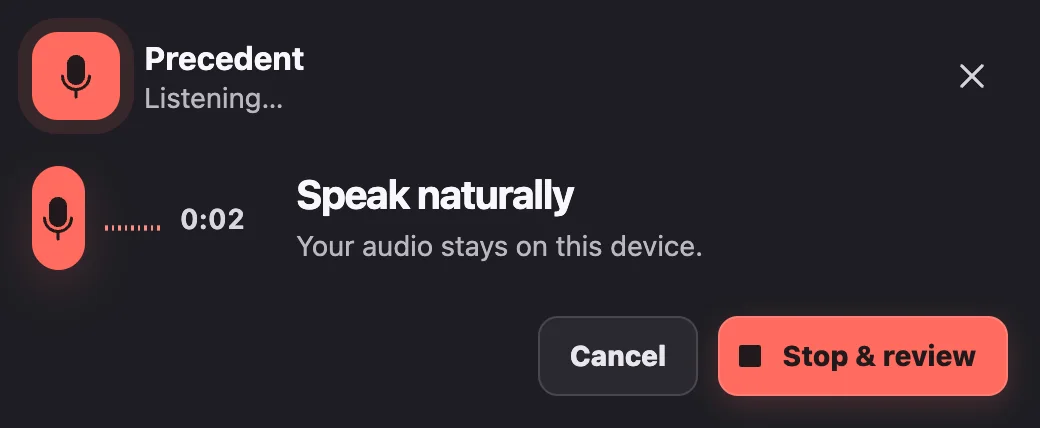
Listening: the meter shows the microphone is hearing you.
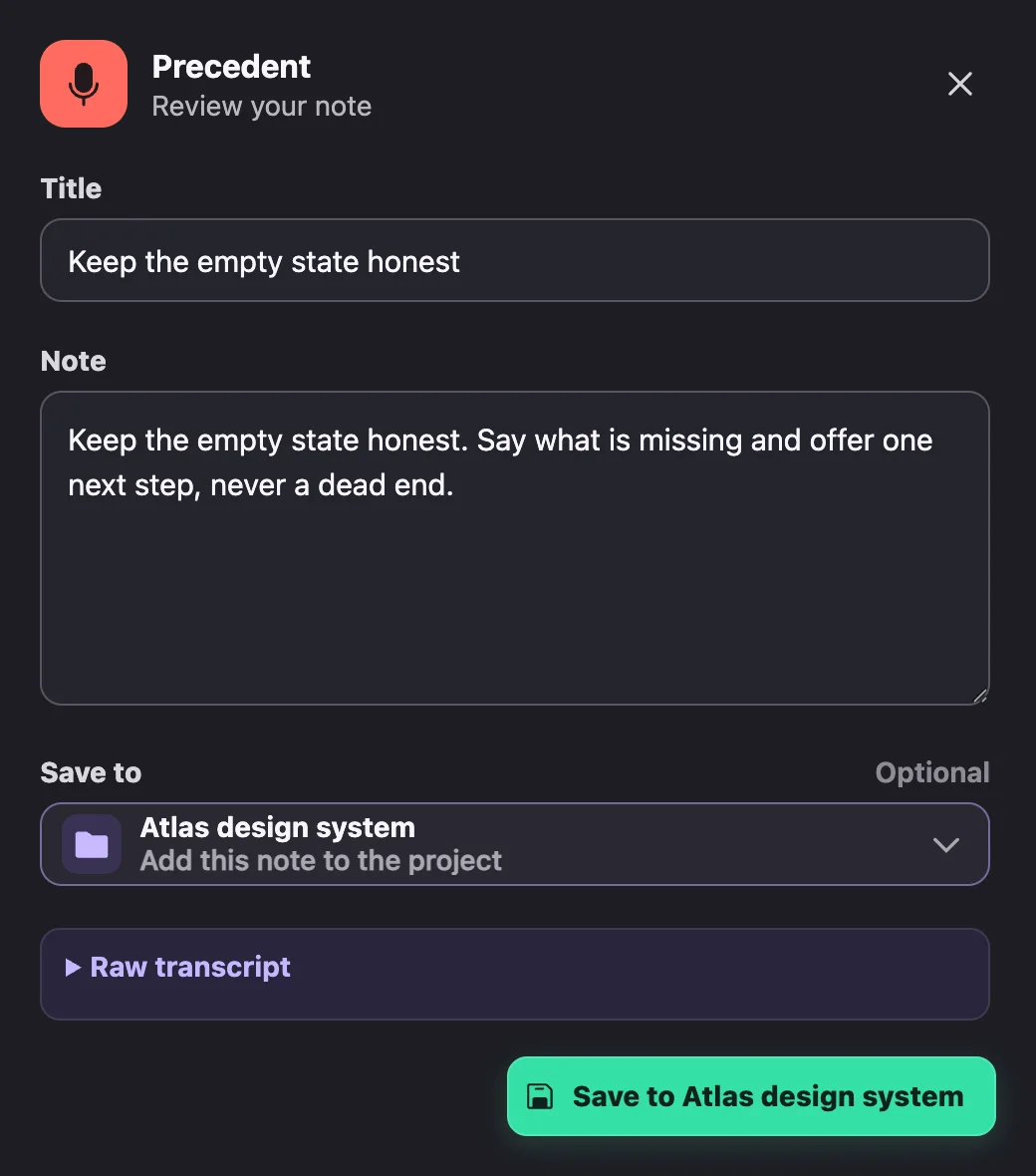
Review: a cleaned note, with the raw transcript kept.
Trust
Local-first Must Survive Inspection
Local-first is an architecture, not a badge. One isolated process owns the database. The voice helper can hear but cannot reach the network; the model installer can download but cannot hear. Diagnostics never include notes, transcripts, clipboard contents or full links. Separate local profiles keep libraries apart on one machine.
Diagram text alternative
- The sandboxed interface talks only to the main process through a named, allowlisted API.
- The main process passes validated requests to one service process, the only owner of the SQLite database and search index.
- The voice helper records and transcribes on the Mac and has no network access.
- The model installer downloads the speech model to checksum-pinned storage and cannot read audio or transcripts.
Agents
A Memory Agents Can Read
The goal was a project memory that agents and people can both rely on. Precedent exposes the library through a local command line tool with a stable JSON contract, a terminal workspace for people and an MCP server with five read-only tools.
Agents can add a text or link reference explicitly; everything else stays read-only. Retrieved material is treated as content, never as an instruction. Every reference has a key, so an agent can cite exactly what it used.
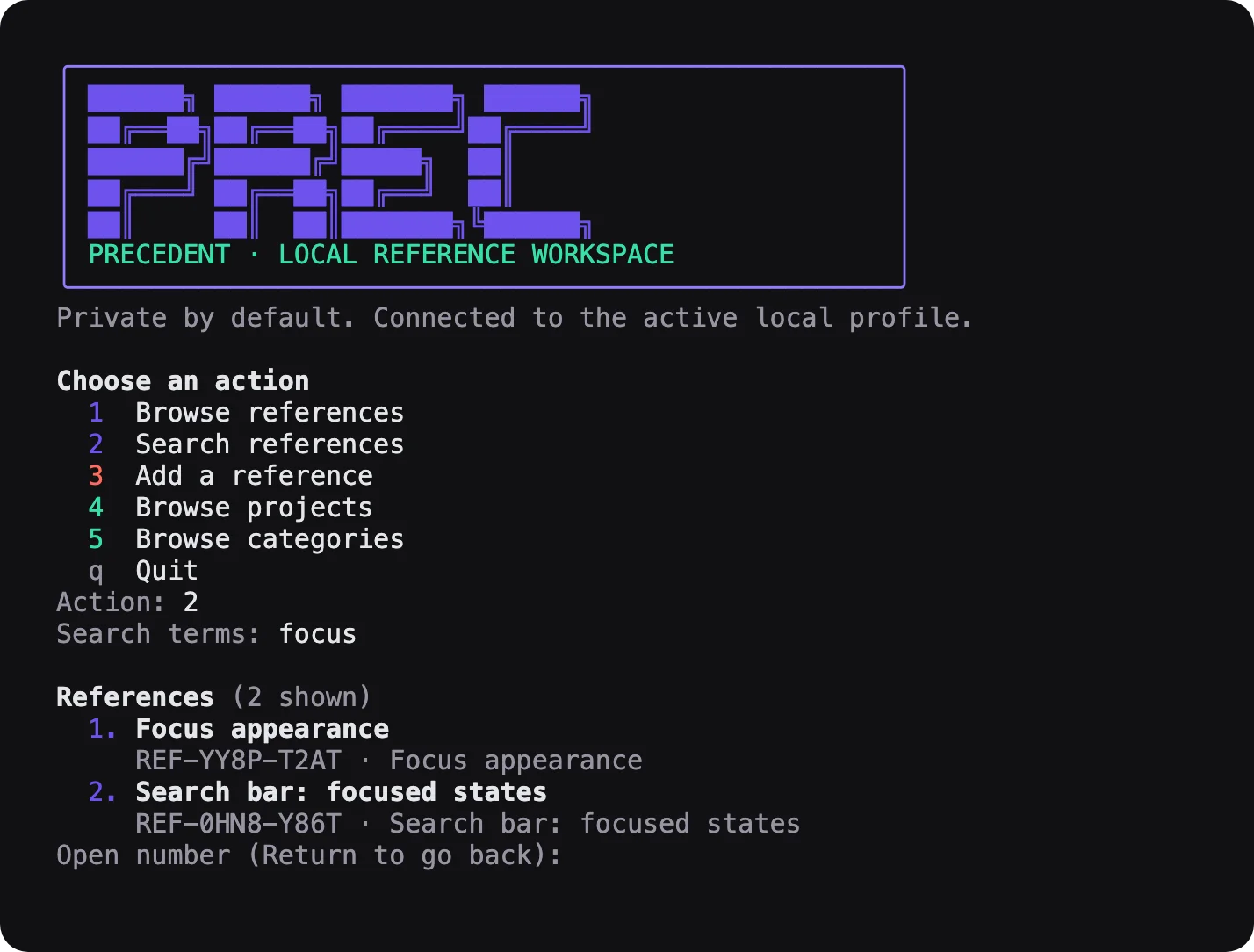
For people: the terminal workspace, in the brand's violet, mint and coral.
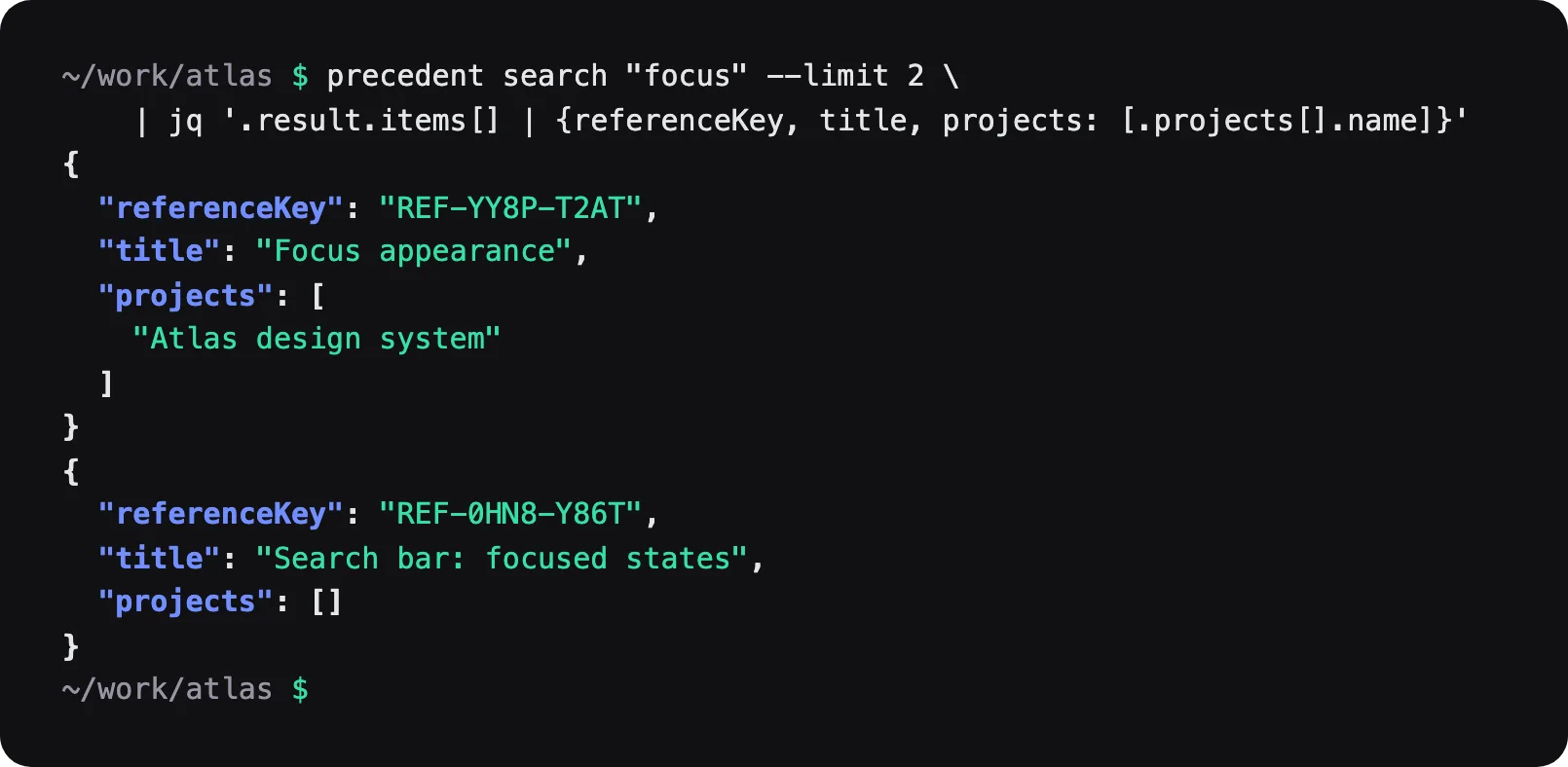
For agents: the same search as stable JSON, with keys an agent can cite.
Brand Identity
Calm Workspace, Vivid Moments
The mark is a folded monogram with a negative-space square that is never filled. Each color has one job: violet for brand and primary actions, cobalt for references, lilac for relationships, mint for projects and coral for voice.
The atmospheric gradient is kept for brand moments; the workspace stays calm so the user's material is the loudest thing on screen. No sparkles, no glow: AI shows up as behavior.
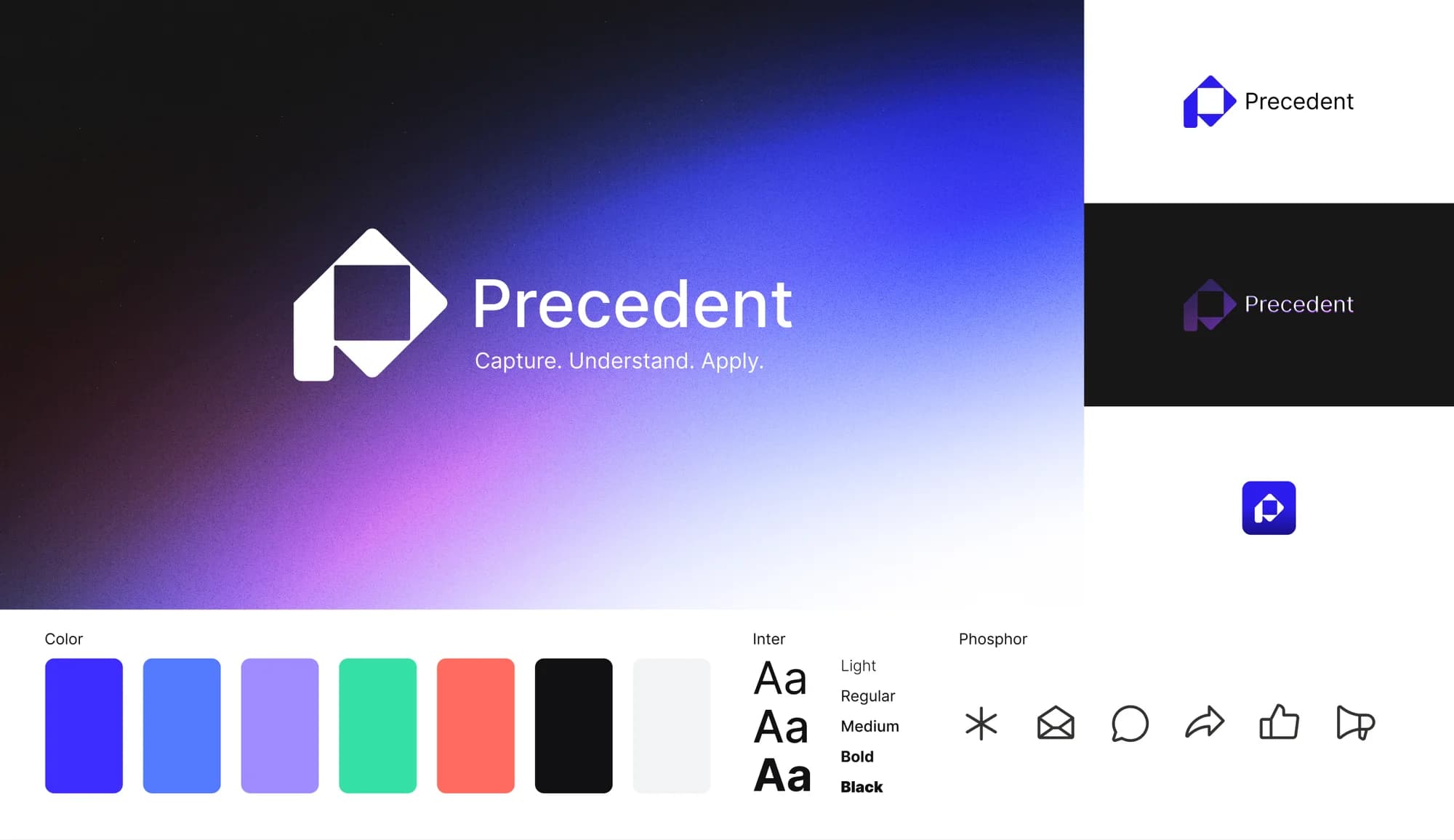
Lockups, app icon, palette, Inter and Phosphor.
Themes
Go With Defaults or Mod Your Own
Precedent, Mint, Starfield and Aurora, in light and dark, plus custom themes written as JSON. Themes change color and atmosphere, never layout or type, so a reference is always where you left it.
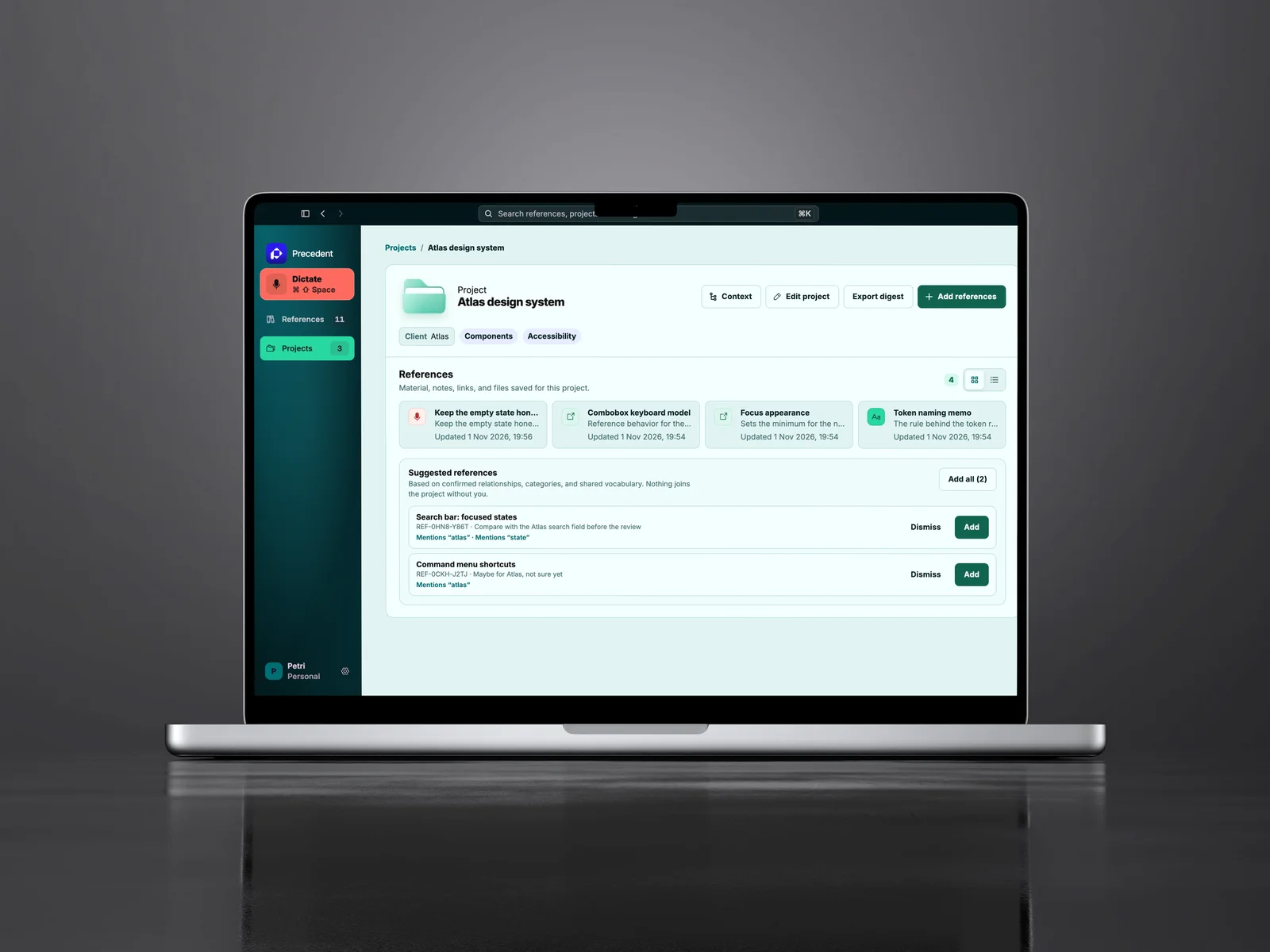
Mint, light.
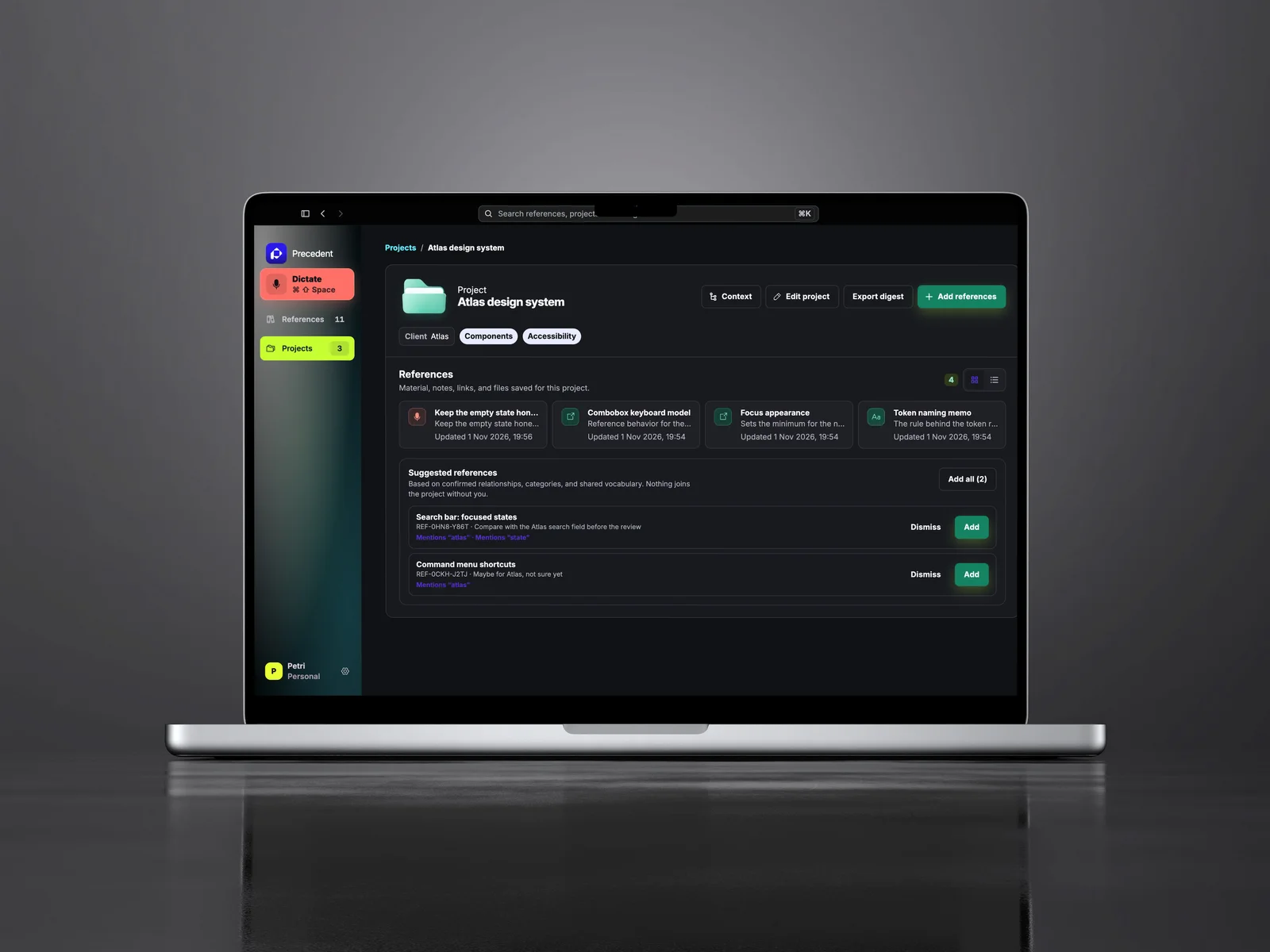
Starfield, dark.
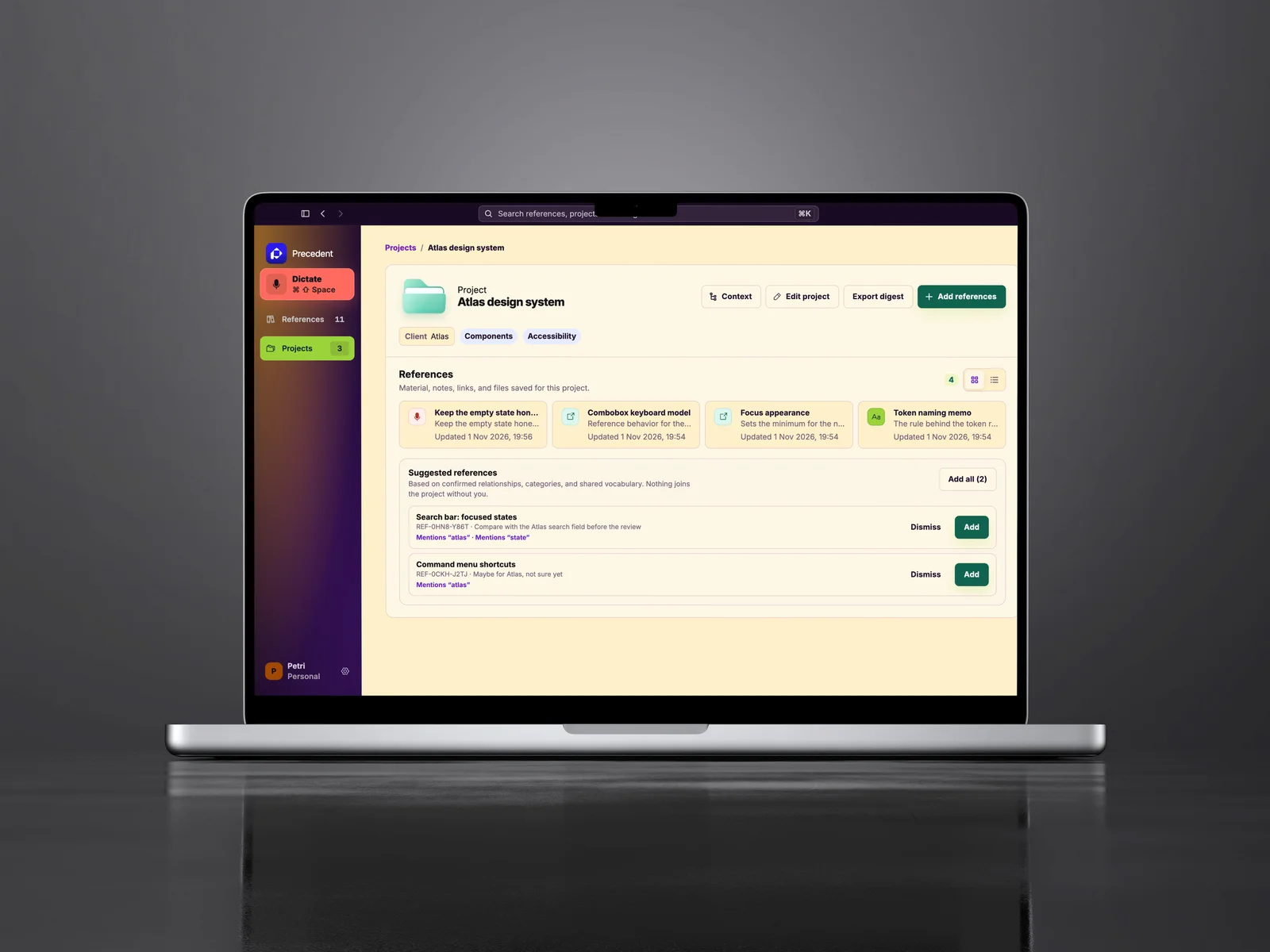
Aurora, light.
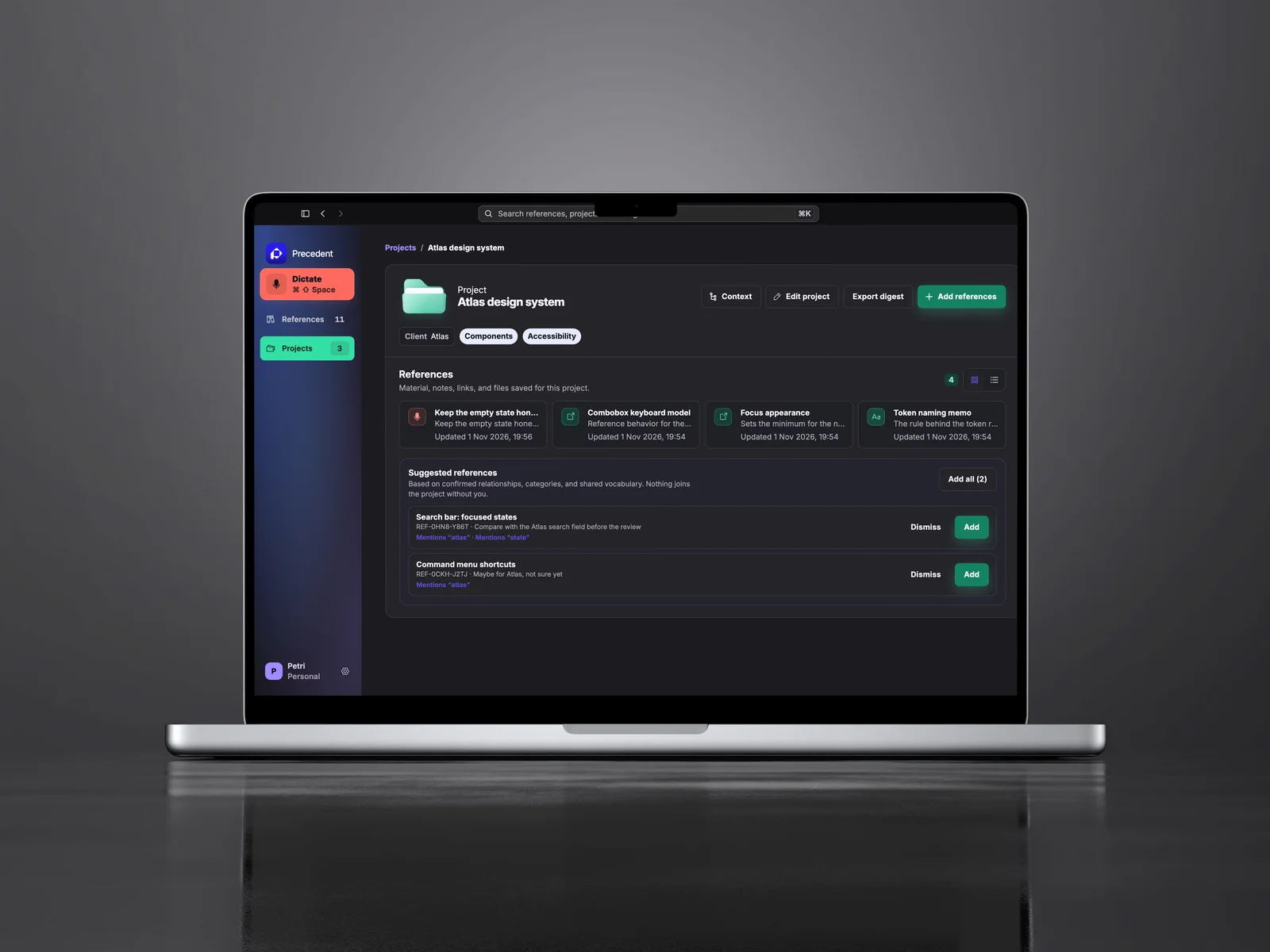
Precedent, dark.
Delivery
Signed, Notarized, Self-updating
Each release is built once, signed, notarized, stapled, checked by Gatekeeper and smoke-tested as an installed app before it ships. Patch releases run only the affected tests; big versions run the full suite. Installed copies update themselves.
The search index is budgeted for 50,000 references: packaged warm search answers at the 95th percentile in 202 ms against a 250 ms budget. Precedent recognizes 58 file formats and extracts text from the ones it can read.
Interested in working together?
Let’s discuss how design systems, AI and thoughtful UX can elevate your product.