Rhythmguard
A Stylelint plugin that enforces spacing scales and design token usage across CSS declarations and Tailwind class strings. Three rules, all with autofix. The enforcement layer that turns a design system from a suggestion into a contract.
How it works
Token Ingestion
- DTCG JSON parsing
- Tokens Studio format
- CSS custom properties
- Tailwind @theme blocks
Declaration Scanning
- PostCSS walkDecls
- Property group filtering
- Reverse token lookup
- Scale proximity check
Violation Reporting
- Nearest scale value
- Token replacement suggestion
- Contextual messages
- CI-friendly JSON output
Autofix
- Raw → token reference
- Off-scale → nearest step
- Source-aware output format
- Zero manual migration
Installation
Install and extend the strict config
One install, one extends line. The strict config turns Rhythmguard on immediately across the codebase, so off-scale spacing and raw token bypasses fail before review.
Shared config replaces ad-hoc spacing rules spread across files. The strict preset ships with sensible defaults; init and doctor pick up from there when the team wants stack-specific configuration.
npm i -D stylelint stylelint-plugin-rhythmguard # .stylelintrc.json{ "extends": ["stylelint-plugin-rhythmguard/configs/strict"]} npx stylelint "src/**/*.css"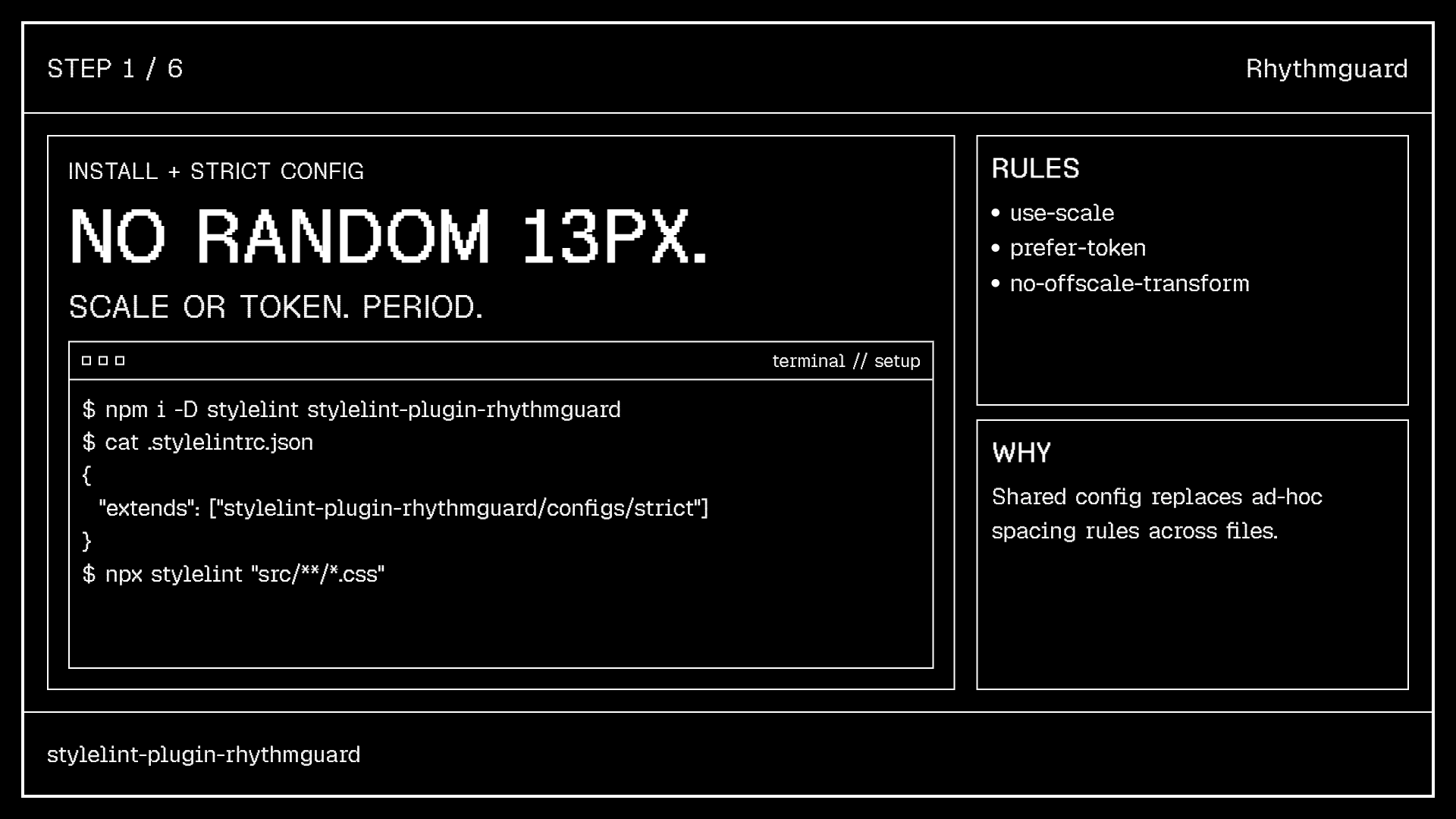
Step 1: install stylelint-plugin-rhythmguard and extend the strict config
Core Rules
Three rules, all with autofix
use-scale. Every spacing value must be on the configured scale. Write margin-top: 13px, get autofixed to 12px. Supports 17 built-in scales including 4pt grid, 8pt grid, Material 8dp, Atlassian, Carbon 2x, Fibonacci and golden ratio.
prefer-token. Raw literal values must use design tokens. Write padding: 16px, get autofixed to var(--spacing-4). Builds token maps from four sources with cascade precedence.
no-offscale-transform. Transform translations must be on scale. The same discipline applied to translateX and translateY values, which are easy to miss in manual review.
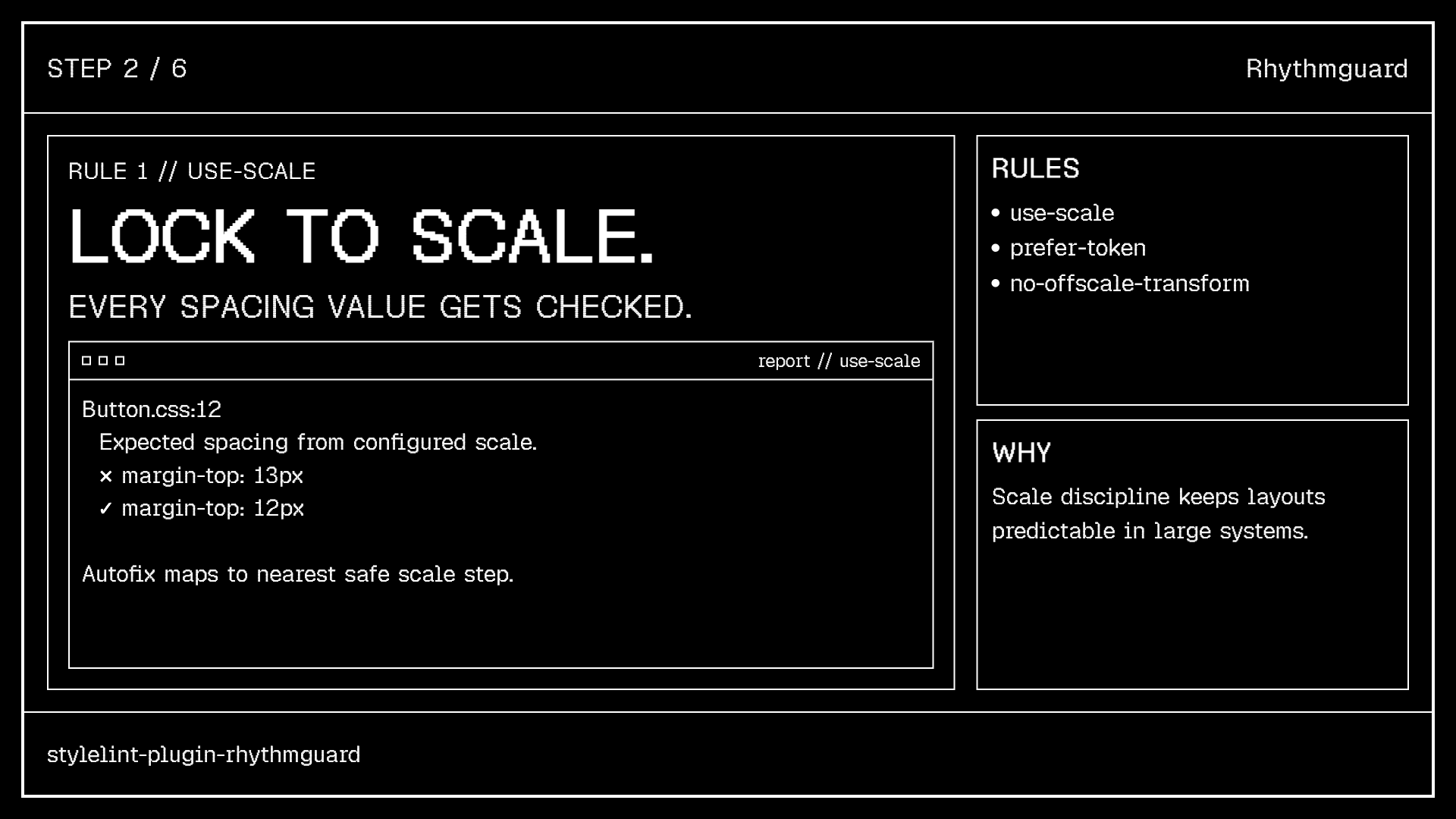
use-scale rule: catches off-scale values and autofixes to nearest step
Token Intelligence
Multi-format token ingestion
Rhythmguard reads tokens from wherever your team defines them, not just one format. DTCG JSON with nested $value groups? Parsed recursively. Tailwind v4 @theme blocks? PostCSS traverses them natively. CSS custom properties? Scanned from your stylesheet.
Autofix output is source-aware: tokens from @theme emit var(--spacing-4), tokens from Tailwind JS config emit theme(spacing.4). The developer gets the right reference for their stack without knowing the underlying token format.
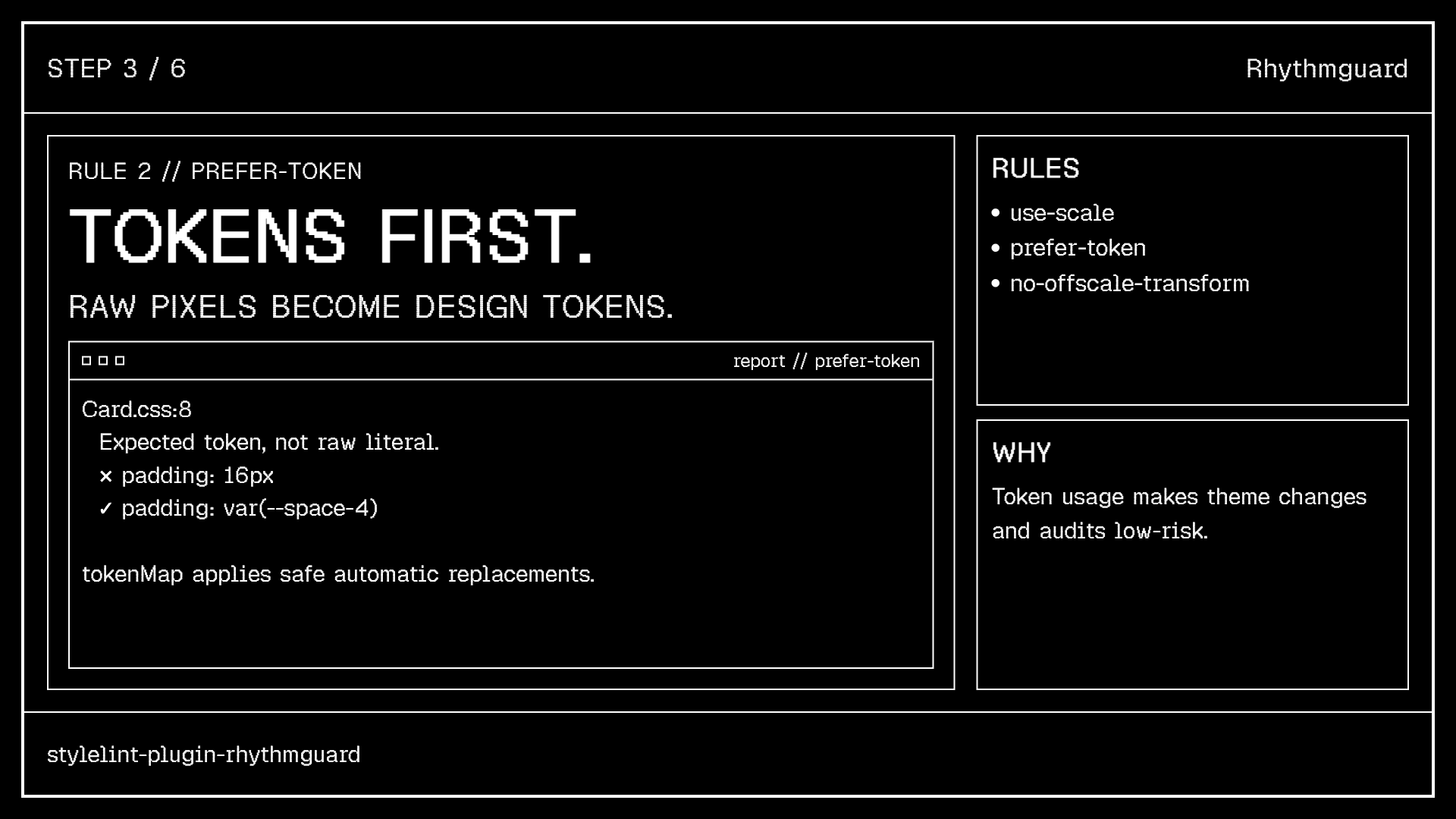
prefer-token: raw values autofixed to token references
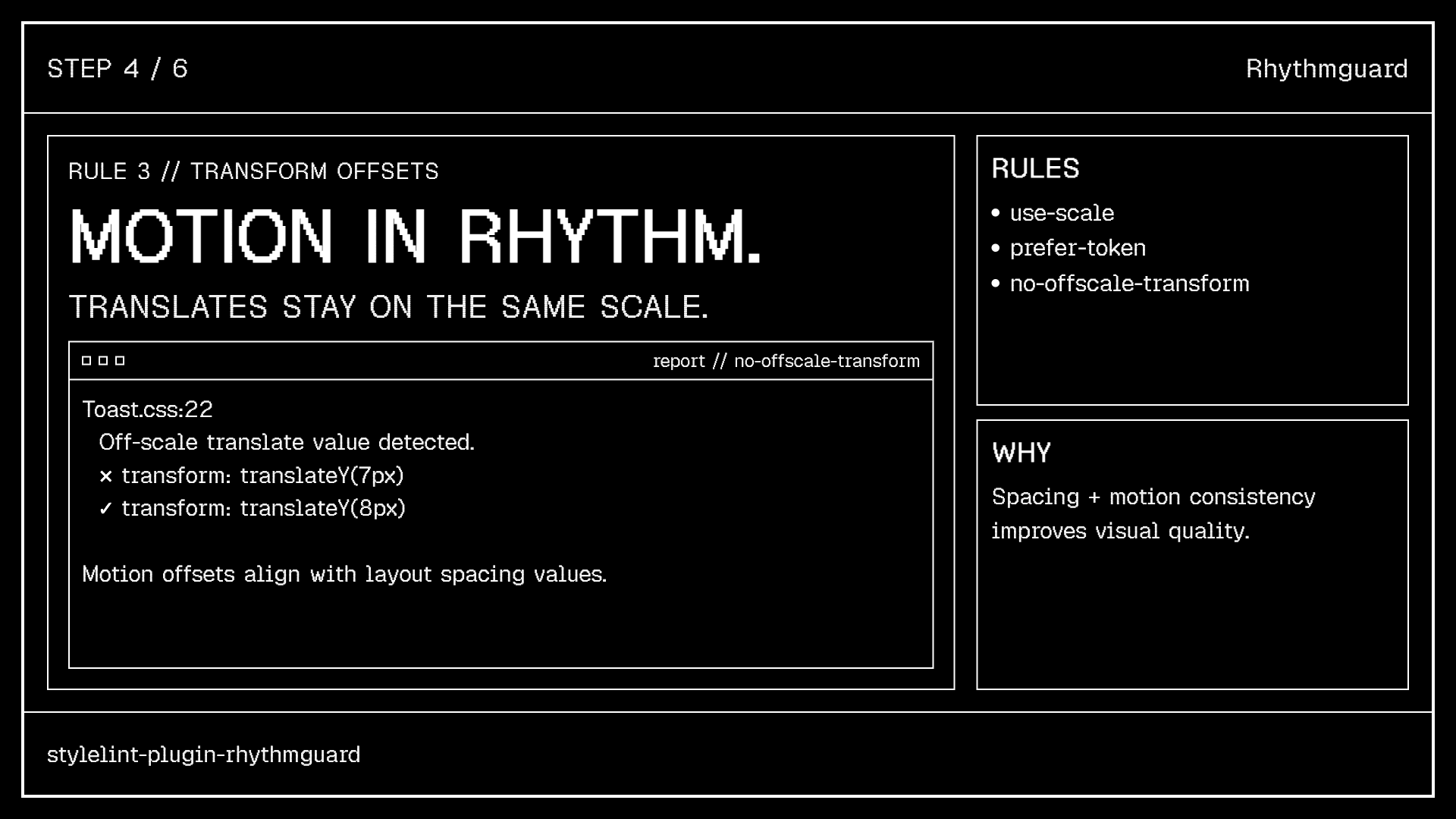
no-offscale-transform: same discipline for CSS transforms
Ecosystem
Beyond CSS: Tailwind & ESLint
The ESLint companion catches drift in JSX too. A separate export provides the tailwind-class-use-scale rule. It checks every string literal, automatically covering cn(), clsx(), cva(), twMerge() and JSX className. p-[13px] becomes p-[12px].
Seven shipped config presets, from migration (lenient) to strict (scale + tokens + transforms) to react-tailwind (Tailwind + CSS Modules + Next.js ignores). Framework snippets for Vue, Lit, Astro and SvelteKit.
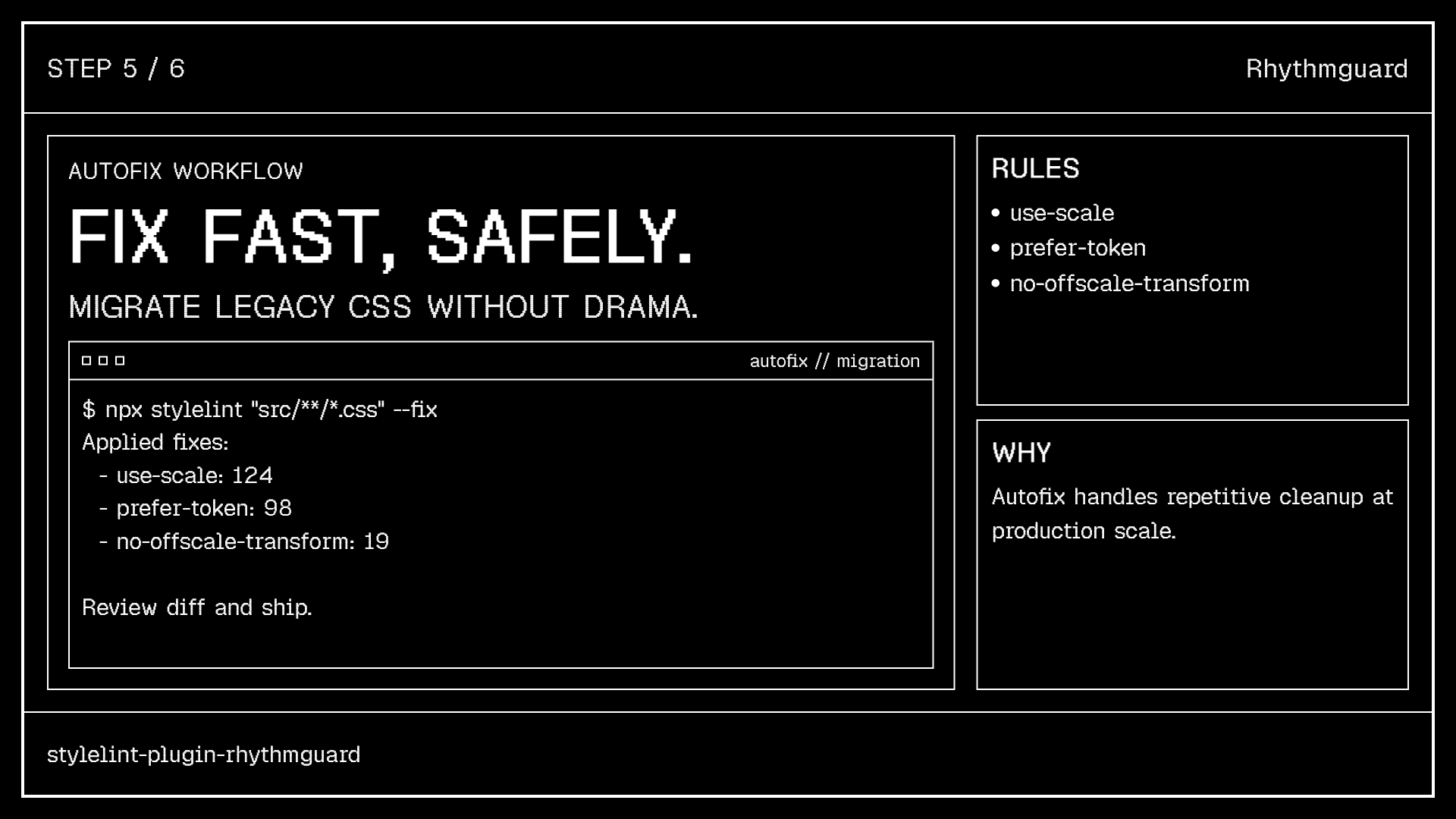
Tailwind v4 integration with @theme block token extraction
Developer Experience
CLI: audit, init, doctor
npx rhythmguard audit scans a directory for scale drift (off-scale values, token opportunities) and outputs JSON for CI. Know exactly how much spacing debt exists before you start enforcing.
npx rhythmguard init detects your stack and writes the right config. npx rhythmguard doctor validates the setup: Stylelint installed, config valid, token pattern compiles. Zero-friction onboarding.
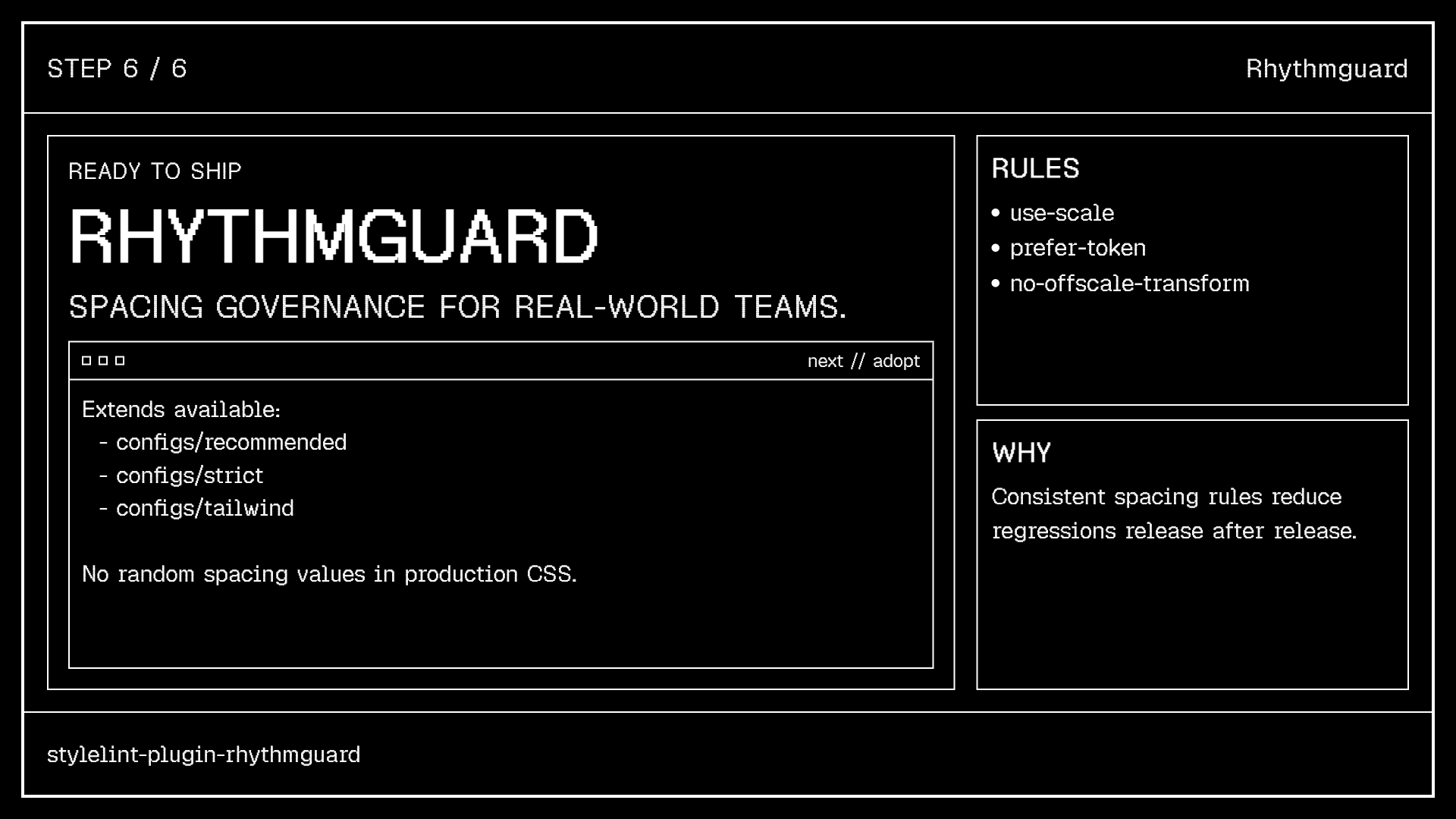
CLI tools: audit for drift analysis, init for setup, doctor for validation
3 Rules
use-scale, prefer-token, no-offscale-transform. Each with full autofix.
17 Scale Presets
4pt grid, 8pt grid, Material, Atlassian, Carbon, Fibonacci, golden ratio and custom.
7 Config Presets
From migration to strict to react-tailwind. Framework support for Vue, Lit, Astro, SvelteKit.
269 Downloads/mo
npm weekly installs. Zero runtime dependencies. CJS + ESM dual. Stylelint 16 & 17.
Positioning
The only value-level linter
Rhythmguard is not a class sorter, not a token transformer, not a Tailwind class linter. It's the only tool that governs actual values in both CSS declarations and Tailwind arbitrary brackets. Where Project Spine says “use --spacing-4”, Rhythmguard catches developers who don't.
Interested in working together?
Let's discuss how design systems, AI and thoughtful UX can elevate your product.