, 15 min read
Vibe Coding Still Needs Software Engineering
AI makes a convincing demo cheap. The work that makes software dependable still has to happen. An agent can help with that too.

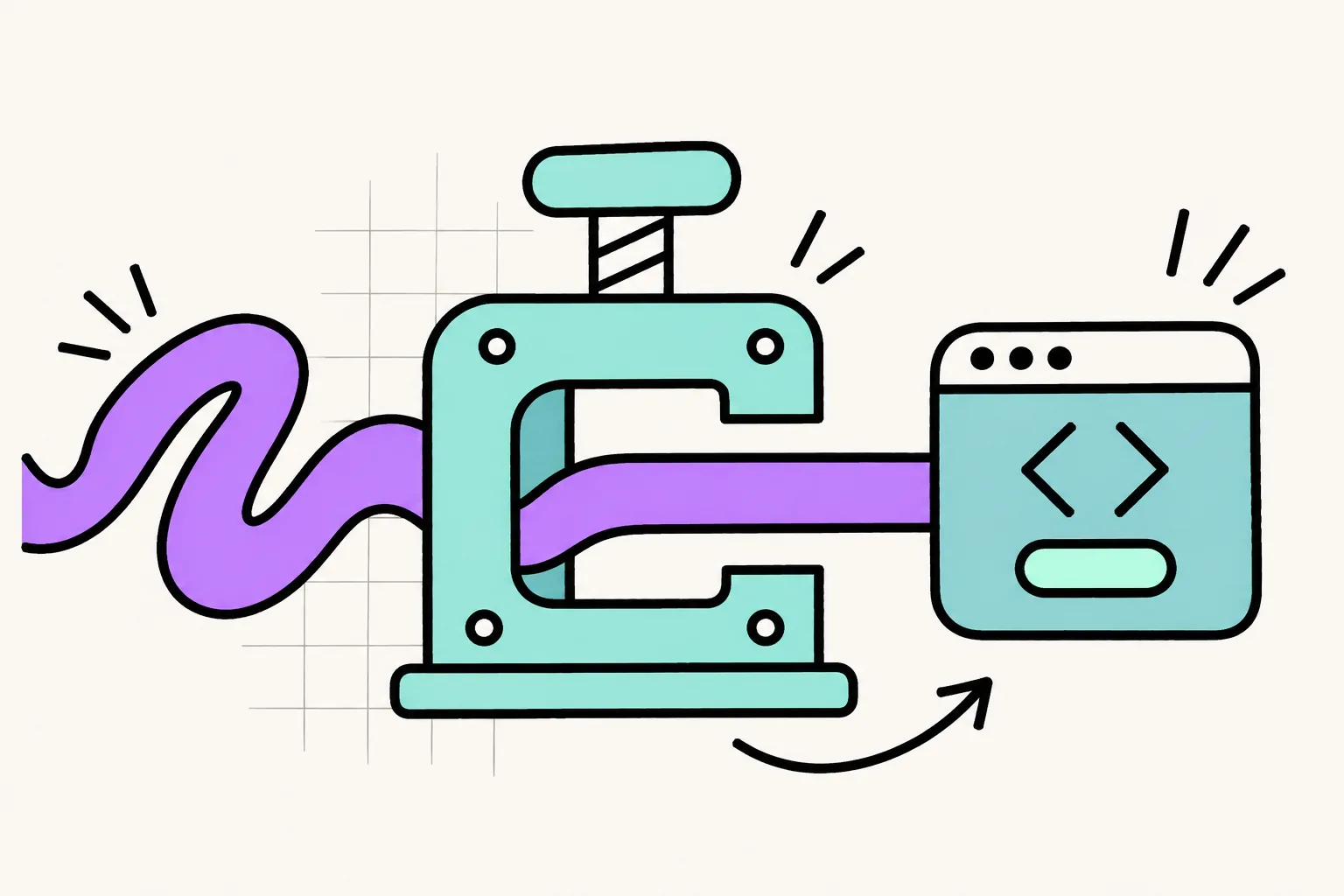
The demo works. You can sign in, click around, create something and save it. The interface looks convincing and the agent says everything is done.
Now try it with a second user. Or an expired session. Or a connection that disappears halfway through saving.
I use AI across design systems, interfaces and software. It helps me turn ideas into something I can inspect and test quickly. I want more people to have that ability, with a clear understanding of what they have actually built.
When Andrej Karpathy named vibe coding in February 2025, he described giving in to the vibes and forgetting that the code exists. Here I mean something a little narrower: accepting generated code largely on the strength of the result looking right, without adequately understanding or verifying how it behaves. Using AI within a disciplined engineering process is a different practice, even if the tools are identical. Simon Willison drew the same line a few weeks later: not all AI-assisted programming is vibe coding.
Software engineering includes deciding what the system should do, understanding its constraints, verifying its behaviour, releasing changes safely and keeping it useful over time. It also includes being able to recover when something goes wrong. The distance between a convincing demo and dependable software is where a lot of the actual work lives.
Fortunately, much of that work can also benefit from AI. We need to give it better instructions than "make it production ready".
Learning by Doing in the Deep End
My own understanding of CI/CD has developed through learning by doing. I stepped into the deep end at Nitor and SAP. Coming from design, I was expanding my understanding of how the things we design become working software and how that software gets changed without casually breaking what already exists.
Learning GitHub Actions and CI/CD was part of that progression. Later, client projects brought more responsibility and expanded my knowledge into Azure DevOps and Bitbucket. The platform names changed, but the underlying questions travelled with me. What happens when a change is pushed? Which checks run? What actually prevents a broken change from being merged? How does a release reach users? What happens if it needs to come back?
More responsibility made those questions practical. I needed to understand what a pipeline checked, what it missed and what happened when it failed. That is where the learning stuck.
I am still learning. Working across design and engineering tends to make the boundaries of your knowledge fairly visible. It also gives me very little patience for the idea that people should stay in their original professional lane forever. Designers can learn engineering practices. People who start with AI can learn them too.
The important part is accepting the responsibility that comes with building something other people depend on. You can learn by doing while putting sensible limits around the consequences of getting it wrong.
Define the Behaviour Before Generating the Code
"Build a project dashboard" leaves a remarkable amount of room for interpretation. So does "add tests". Before asking an agent to implement a feature, write down the behaviour that would make it correct. Include the unpleasant situations. They are part of the product.
Take a seemingly ordinary feature: creating a project. A useful starting contract might say:
- A signed-in user can create a project in a workspace where they have permission.
- A blank name produces a useful error without losing the rest of the form.
- The project belongs to the correct workspace and remains available after refreshing.
- A user from another workspace cannot read or change it.
- Repeating the same creation request after a timeout does not create a duplicate.
- A failed save preserves the user's input and provides a way to recover.
For the retry requirement, define how the server recognises a repeated operation. A common mechanism is an idempotency key: the client sends a unique key with the request and the server returns the original result instead of creating a second project. Disabling the Save button only addresses one of the ways a duplicate request can happen.
There is already more engineering in those six statements than in a screenshot of a successful submission. There is also quite a lot of design. We have defined feedback, permissions, persistence, recovery and the relationship between an action and its outcome. These decisions shape the experience as much as typography and spacing do.
The permissions requirement needs to survive a direct request to the server. Hiding an edit button does not prevent someone from calling the endpoint. OWASP recommends validating permissions on every request, with enforcement in a trusted part of the system.
This is also why I find component contracts useful. They make behaviour explicit enough for people and tools to work against. A button contract includes semantics, an accessible name, keyboard behaviour and relevant loading or disabled states. A form contract includes validation and what happens after a failed submission. Give the agent access to those decisions. Otherwise, it has to invent them.
Test the Risks That Matter
Tests are essential. "Every line must have a unit test" is a poor substitute for a testing strategy.
Line coverage tells you which lines ran during testing. It does not tell you whether the tests checked the right outcomes. You can execute a permission check without testing whether the wrong user gets rejected. You can execute a calculation and assert only that it returned something. Software Engineering at Google makes the distinction clearly: coverage records that a line was invoked and says nothing about what happened as a result. A fixed coverage target also has a habit of becoming the goal.
Use coverage to ask better questions. Which changed behaviour has no protection? Which important branch never runs in the tests? What would happen if this condition were reversed? Then prioritise by consequence. Permissions, billing, deletion, migrations and anything that can lose user data deserve particular attention. A decorative change to a personal experiment warrants a different level of scrutiny.
Tests also cost something. AI can help write them, but somebody still has to review, run, debug and maintain them. A large collection of brittle tests can make changing software harder. My practical rule is to identify the failure I am trying to prevent before adding a test. If I cannot explain what useful failure the test would catch, I should improve it or reconsider whether it belongs there.
Use Different Tests for Different Questions
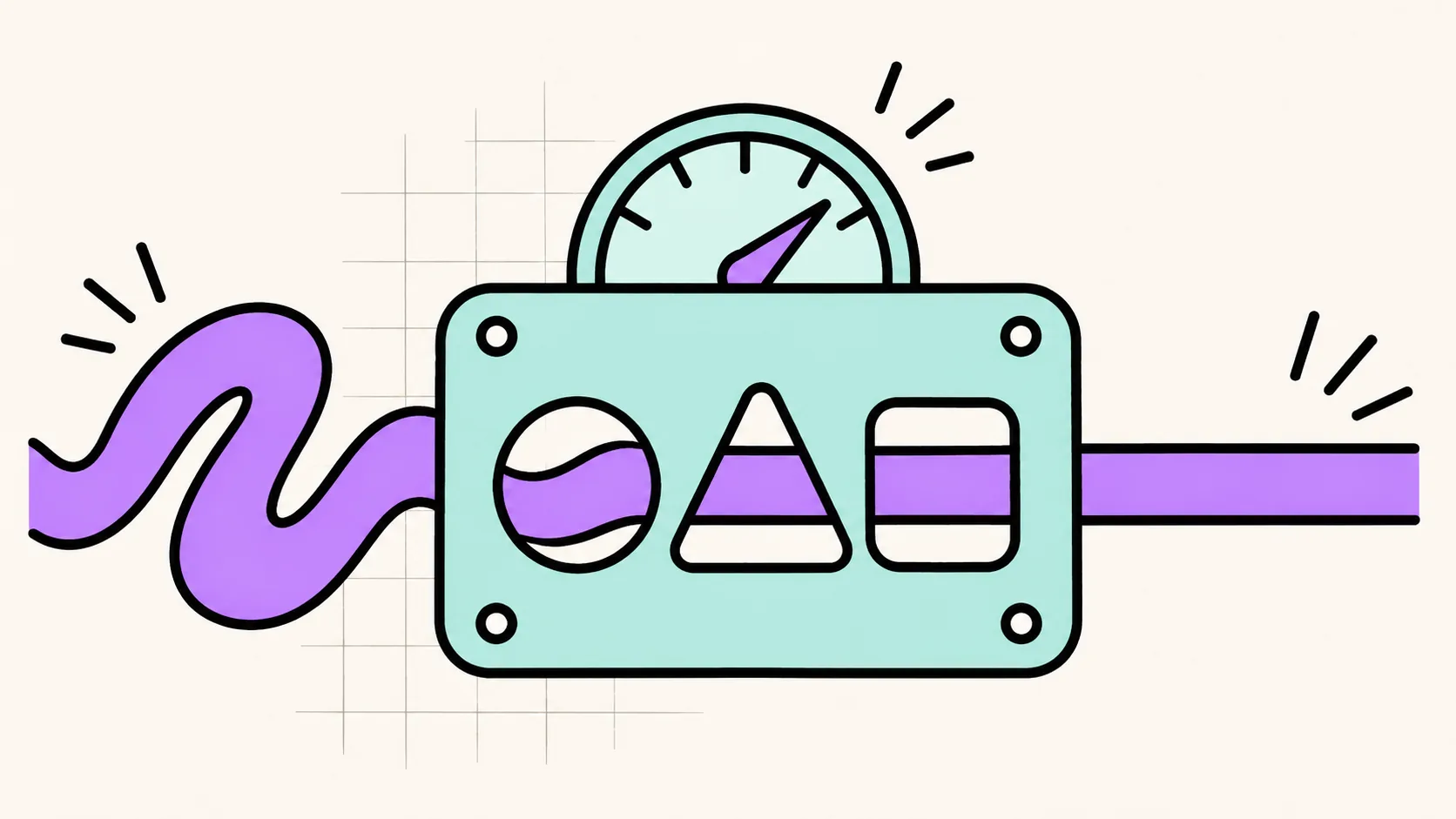
A correct individual function can still participate in a broken system, so you need several views of a feature. For the project-creation example, the layers might look like this:
| Test level | Question it answers | Example |
|---|---|---|
| Unit | Does a small piece of behaviour follow its rules? | A project name containing only whitespace is rejected. |
| Integration | Do the relevant parts work together correctly? | The API checks workspace membership and writes the project to the correct workspace in a test database. |
| End to end | Can someone complete the journey through the running application? | A user creates a project in the browser, refreshes and can still open it. |
The integration test can also check that a request from a user without permission is denied. The browser test can check that a failed save leaves the form usable. You do not need to repeat every possible input at every level. Put detailed combinations where they can be tested clearly and cheaply, then use broader tests to verify that the important connections and journeys work.
Be explicit about the boundaries. A browser test that replaces every API response with a pretend success tells you something useful about the interface. It does not establish that your API and database work together. For a critical journey, include a test that exercises your actual application backend and a controlled test database. Handle external services deliberately through test environments or controlled substitutes.
And make assertions about outcomes. An agent clicking Save is an action. Checking that the record exists after a reload is evidence. Checking that an account without permission cannot access it is evidence about a different, equally important requirement.
Playwright's guidance recommends testing behaviour visible to users and locating controls through stable attributes such as roles and accessible names. That fits well with interfaces built on clear semantics. An exploratory browser session is useful too. When it finds a meaningful bug, turn that discovery into a repeatable regression test. Otherwise, next week's agent has to rediscover the same problem.
Review the Tests as Carefully as the Implementation
There is an obvious trap in asking the same agent to write the implementation and then prove that it works: both can contain the same misunderstanding. Suppose the agent decides that any signed-in user may edit any project. It can write code that allows this and tests that confirm it. Everything passes. The behaviour still violates the intended access rule.
That is why the expected behaviour needs a source outside the implementation itself: an agreed contract, a product rule, an acceptance criterion or a real example with a known result.
Ask the agent to explain what each important test protects. Review the assertions, check which dependencies have been replaced with mocks and look for tests that merely confirm the current output. For a bug fix, have the regression test fail against the broken behaviour and pass after the fix. That demonstrates that the test can detect the problem you are addressing.
You can also use a separate review pass to look for missing failure cases. A fresh agent can help, but its agreement is still something to evaluate.
Watch especially closely when a "fix" changes the test instead of the behaviour. Updating an outdated test can be correct. Deleting an inconvenient assertion can also make a red pipeline green. The colour alone will not tell you which happened.
Make CI/CD Part of the Development Loop
A pipeline turns those expectations into repeatable checks. Continuous integration gives you a repeatable way to check changes as they are brought together. Continuous delivery keeps validated changes ready for release. Continuous deployment goes further by automatically releasing changes that pass the required checks. You can choose how much of that release process to automate. What matters is having a deliberate process that produces trustworthy evidence.
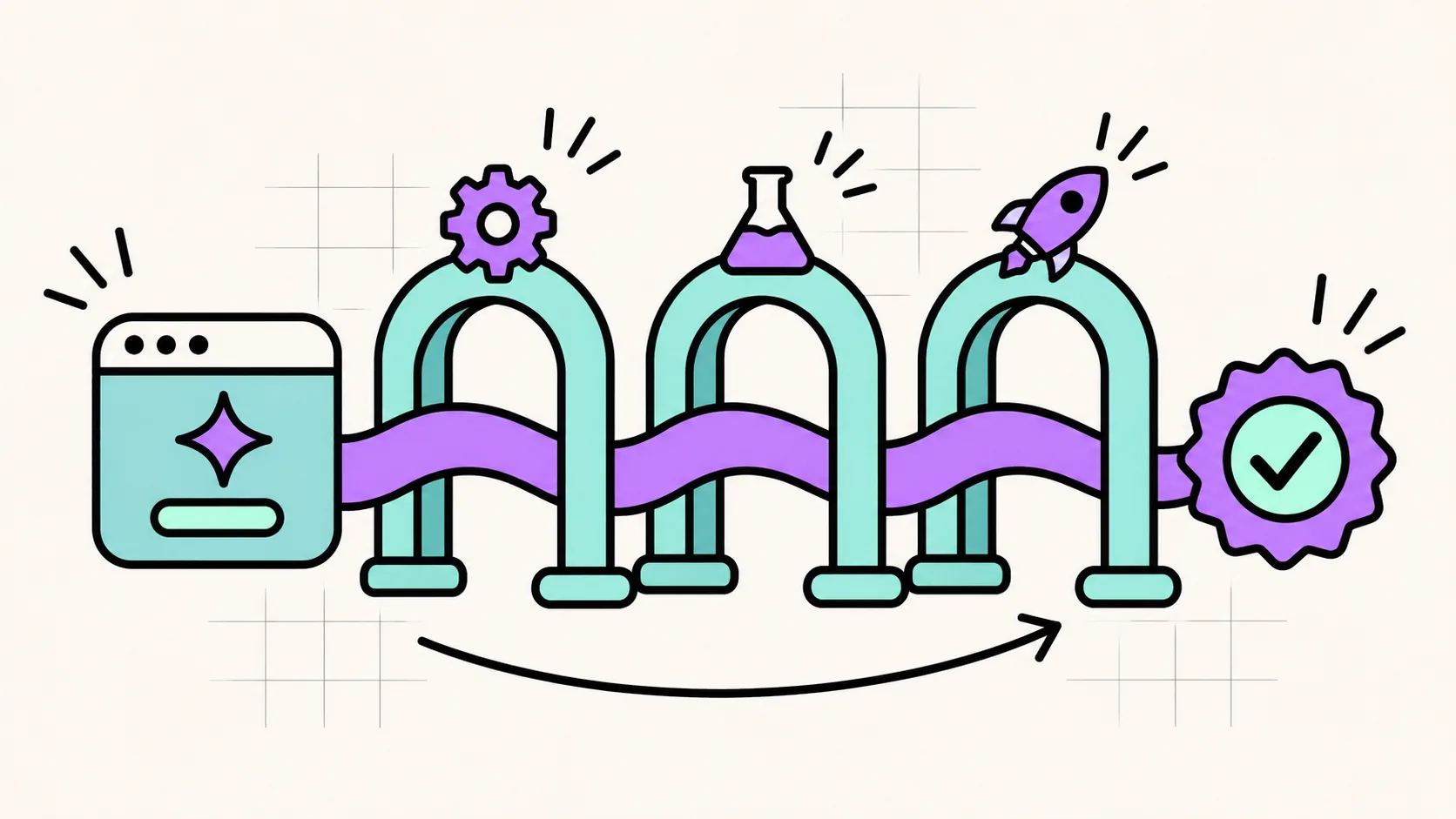
For a typical web application, I would start with a pipeline that installs the expected dependencies from the committed lockfile, then runs linting, type checks and focused unit tests. Integration tests follow with controlled data. The pipeline then builds the application for production and exercises the critical journeys against that build in a test environment. When something fails, the failure and its diagnostic information should be easy to inspect.
Run independent checks in parallel where it makes sense. Keep common feedback quick. Schedule broader suites when appropriate and run specialised checks before releasing changes that introduce those risks.
Then make the relevant checks required. GitHub, for example, supports branch protection and rulesets that can require status checks and reviews before merging. Configure the rules and bypass permissions deliberately. Then verify that the required jobs actually ran. A skipped job should not quietly stand in for the evidence you expected.
This is where the pipeline becomes part of how the team works. It can enforce agreements that would otherwise depend on somebody remembering them while tired or in a hurry. A failed pipeline should lead to investigation. A test that fails unpredictably needs attention, because "just rerun it" is a remarkably efficient way to teach everyone to ignore their own safeguards.
Keep changes small enough to review. Inspect the diff, including modifications to tests and pipeline configuration. Deploy the build you validated and make sure important environment differences are accounted for.
There is considerable satisfaction in a boring release. I recommend becoming interested in that.
Include the Experience in the Definition of Done
My design background makes me suspicious of a definition of quality that ends when the server returns a successful response. Can the person understand what happened? Can they complete the task with a keyboard? Is focus in a sensible place after a dialog closes? Does an error explain what they can do next? These are observable behaviours. They belong in the acceptance criteria.
Automated accessibility checks can catch issues such as missing labels and some contrast problems. They cannot establish that the whole experience is accessible. Playwright's accessibility guidance explicitly recommends combining automation with manual assessment and inclusive user testing. I wrote about where that gap still lets people down in Plausible Accessibility.
For an important flow, inspect keyboard operation, focus, zoom and relevant screen reader behaviour. Look at the interface with long content, empty data and narrow viewports. Check the error state you carefully designed and then almost forgot to implement.
A design system helps by making good defaults reusable. It also gives an agent existing patterns to follow, so point it to the actual components, tokens, documentation and examples. If the system already has a dialog component with established focus behaviour, have the agent use it. Generating another almost-identical dialog creates another implementation to understand and maintain.
Performance belongs in this conversation too. A button that appears to do nothing invites another click. A search that works beautifully on twelve sample records may behave rather differently with a customer's actual dataset.
Define performance expectations around the task and the conditions. For a particular search feature, you might set a target that 95% of searches complete within one second under a specified load and with representative data. That is an example budget, not a universal standard. Agree on the conditions, measure a baseline and choose a target that serves the product. Tools such as k6 can turn performance thresholds into automated pass or fail criteria; the useful part is making the expectation measurable and repeatable.
Use load tests where concurrency and capacity matter. Measure browser responsiveness separately. Test slower devices and connections when they are relevant to your audience. Some tasks take time, so design progress, cancellation and recovery for them. An animated spinner has a limited amount of explanatory power.
Give the Agent the Operating Context
A prompt cannot carry an entire product's accumulated knowledge reliably. Put the durable information in the repository: architecture notes, component contracts, setup instructions, test commands and a clear definition of done. Include what is known to be fragile and which changes require particular scrutiny.
An AGENTS.md file can be a useful entry point when your tooling supports it. Link it to the authoritative material and keep it current. A stale instruction file is just another source of confident mistakes.
For a feature involving saved user data, a practical brief could look like this:
1. Read the project instructions, the existing implementation and the
   relevant component contracts.
2. Before editing, describe the expected behaviour, the affected
   boundaries and the important failure cases.
3. Implement the smallest coherent change using the existing patterns.
4. Add or update tests based on the acceptance criteria. Verify
   persistence, permissions and relevant failure states at the
   appropriate test level.
5. Do not weaken assertions or disable checks simply to obtain a passing
   result. Explain any test changes required by an intentional change
   in behaviour.
6. Run the checks and inspect the changed journey in the browser.
7. Report what changed, which checks actually ran, their results, any
   remaining uncertainty and how the change can be disabled or reversed.
The important word there is "actually". A summary that says "tests should pass" leaves work unfinished. Ask for the commands and results, then make the pipeline the repeatable place where those checks happen. For sensitive changes, get a review from someone who understands the relevant system. Match the depth of review to the consequences of a mistake.
AI can help you learn the architecture while working on it. Ask it to explain where data goes, where permissions are enforced and which failure it expects first. Then compare that explanation with the code. Understanding enough to ask the next question is part of the work.
Plan Recovery Before You Need It
Even a good test suite has limits. Production brings data, traffic, dependencies and combinations of events that your test environment did not reproduce. Before releasing a meaningful change, decide how you will notice trouble and what you will do about it.
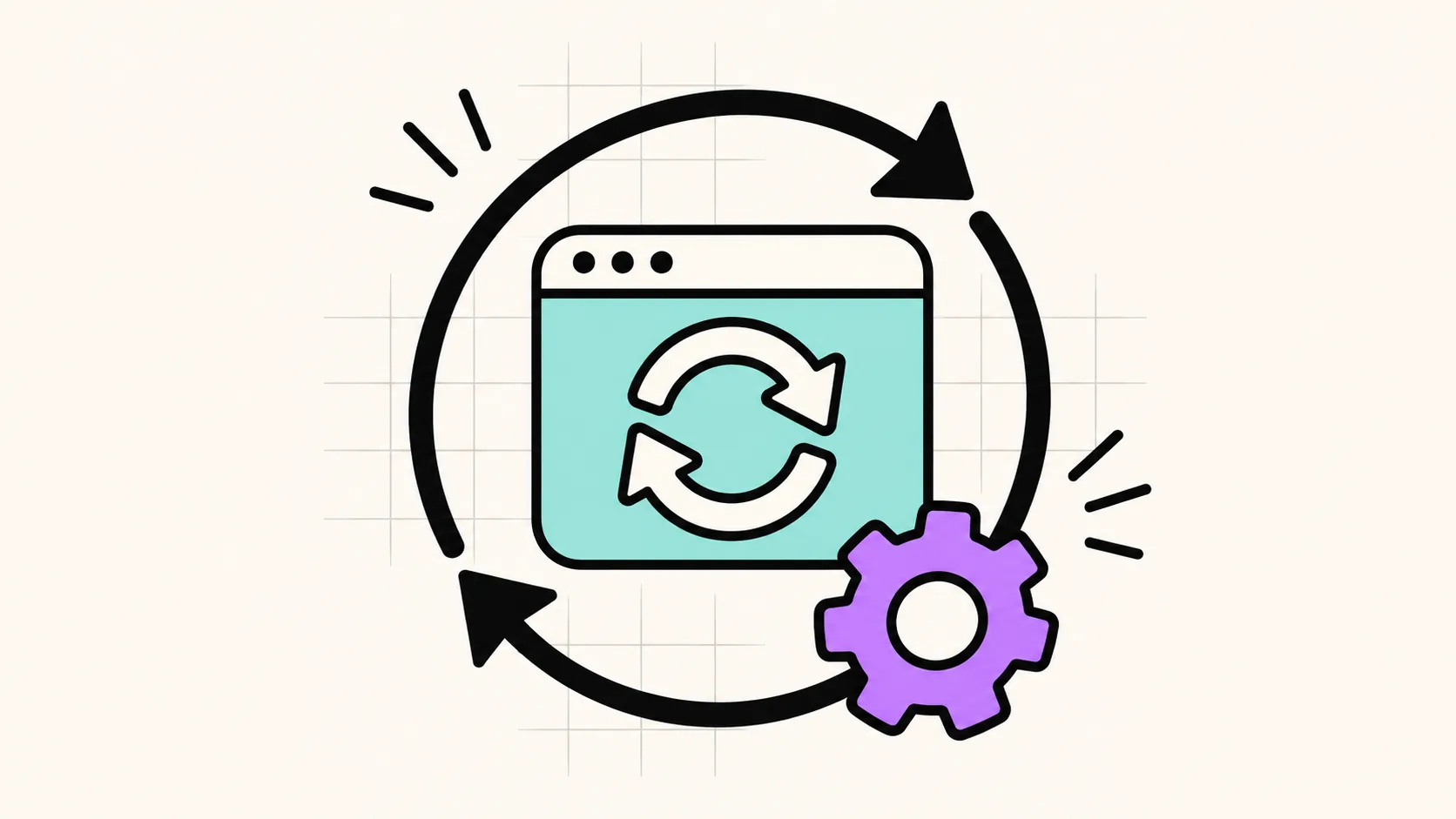
Monitor useful outcomes: failed saves, error rates, response times and completion of critical jobs. Make sure someone receives the alerts and can act on them. Keep enough diagnostic context to investigate without casually collecting sensitive data.
Where the product warrants it, release to a smaller group first and expand when the evidence supports it. Google's SRE guidance describes canary releases as a way to evaluate a change while limiting how much traffic or how many users are exposed. Have a way to disable the feature or return to a known working application version.
Then ask the more awkward question: what happened to the data? Rolling back application code does not automatically undo a database migration, restore deleted records or reverse an external payment. Those effects need their own recovery plan.
For a schema change, think about whether the previous application version can still operate. For important stored data, test restoring a backup in an isolated environment. Know how much recent data you could lose and how long recovery takes. "We have backups" is the beginning of that discussion.
Practise recovery before an incident turns it into a live learning exercise. My enthusiasm for learning by doing has some very clear boundaries around other people's data.
Where This Still Falls Short
None of this removes judgement from the work. A contract can encode the wrong rule as confidently as code can. An agent will implement a wrong contract faithfully. Writing down behaviour also takes time that a team under deadline pressure may not feel it has, which is exactly when the shortcuts look most reasonable.
Tests and pipelines only check what someone thought to check. They reduce the number of surprises without removing them. Production will keep finding combinations nobody wrote down. Required checks also have running costs: build minutes, slow feedback, flaky infrastructure. When the pipeline itself is unavailable, a team needs an agreed fallback gate. Without one, bypassing the rules quietly becomes the habit.
Review is the scarcest part. A second agent agreeing with the first is weak evidence. Someone who understands the system well enough to review a sensitive change is not always available, especially to a solo builder. For a person who starts with AI and no engineering background, the whole list above is a lot to take on at once. It does not have to happen at once.
Start With the Next Feature
If you already have an application held together by generated code and optimism, you can improve it incrementally. Start with one journey that matters.
- Write its contract. Define success, permissions and the most consequential failure cases.
- Map the real path. Identify the interface, API, business rules, database and external dependencies involved.
- Add meaningful checks. Protect important rules with focused tests and verify the complete journey where it matters.
- Make the checks repeatable. Run them in CI and require the relevant results before merging or releasing.
- Review the experience. Inspect accessibility, feedback, errors and performance under realistic conditions.
- Prepare for failure. Add monitoring, identify the person responsible and verify a suitable recovery route.
Then carry that approach into the next change. When a bug escapes, use it to improve the system: a missing test, an unclear contract, an absent alert or a release process that exposed too much at once. You do not need a sprawling platform programme before you can begin. You do need a clear view of the risks you are accepting.
Take Responsibility for What You Ship
My own path through design and software has made me more demanding about what "done" means. The more responsibility I have taken on, the more useful those questions about testing, release and recovery have become.
AI gives more people access to building software. That is a good development. It also makes it possible to produce changes faster than we can comfortably understand them. We should invest some of that speed in verification, accessibility, maintainability and recovery. I am interested in how quickly we can turn an idea into something useful, then change it safely when we learn more. That requires readable code, explicit decisions and evidence that the important behaviour works.
So go back to the demo. Sign in as the second user and try to open the first user's project. Let the session expire in the middle of an edit. Drop the connection halfway through saving. When each of those has a written rule, a test that would fail without it and a way back if production still finds a gap, the demo has become software.
Let the agent help with all of it. When people start relying on the result, someone still has to own what happens next.
If your team is turning AI prototypes into software people depend on, get in touch.

Petri Lahdelma
Design systems lead
Petri Lahdelma is a Finnish designer with more than 20 years between design and code. He has led design system teams from local to global enterprises and laid the groundwork for the Helsinki Design System, which won Best Design System at Grand One 2023. He grew up in Turku as the son of a painter and still believes clarity matters more than decoration.