, 9 min read
Tools, Harnesses and Skills: The Missing Model for Design Systems
Most agentic design workflow conversations confuse the workspace, the operating model and the reusable capability. Separating them changes how teams scale.
Most agentic design-system conversations start with model choice. That is rarely where teams lose.
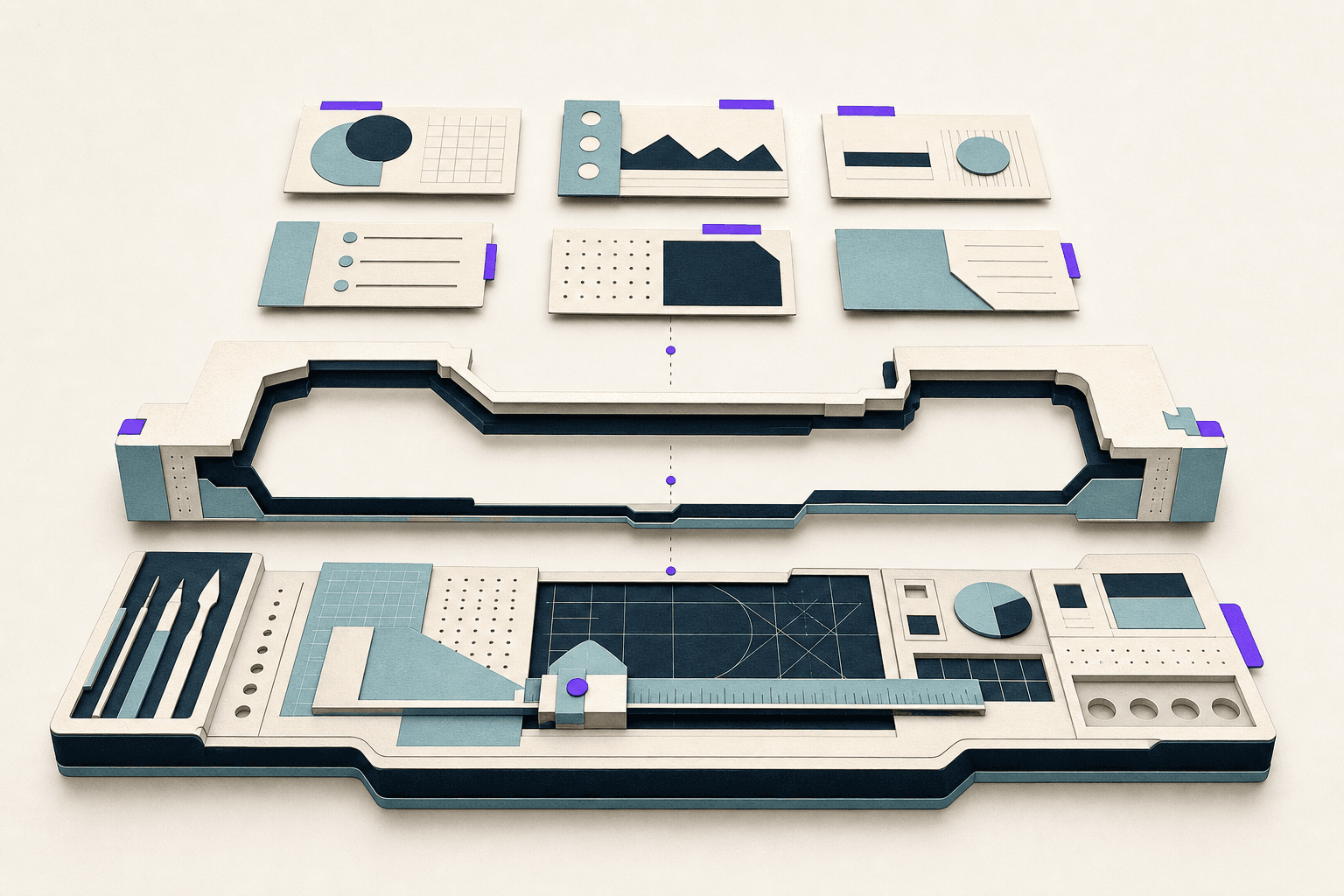
Thesis: Tools, harnesses and skills are three different layers. Tools are where work happens. Harnesses are how work stays safe. Skills are what valuable work becomes repeatable. When you treat them as one purchase decision (“we need Claude in Figma”) you get impressive demos and unreviewable diffs. When you separate them, the same operating model survives tool churn.
When I connected Figma’s MCP server to a live design system, the interesting part was not the model but the metadata: intent, variant logic, token semantics where the tool could read them. Swap the IDE but keep the operating model: the workflow still works. Swap the structure but keep the IDE: you get impressive demos followed by unreviewable diffs.
Mature teams separate three things that are usually conflated: tools (where work happens), harnesses (how work stays safe) and skills (what valuable work becomes repeatable). The map is three layers, not three buzzwords; the sections below are how to use it without buying another chat client.

Tools are the workspace
Tools expose surfaces: files, components, diffs, previews, logs, CI. Figma, Storybook, GitHub, Cursor, Claude Code and MCP integrations all live here. Good tools reduce context switching; bad tools hide state until something breaks in CI. None of them create discipline by themselves. Storybook does not guarantee maturity; Figma variables do not guarantee token discipline. The tool gives the system a place to act; the harness defines how action is allowed to proceed.
When teams say “connect AI to Figma,” they usually mean one of three shapes, all tools, none a substitute for contracts or CI.
Figma’s official MCP server (the bridge we wrote up in Figma MCP) routes file context and component metadata into the agent loop. Use it when the agent needs to read component structure, variant properties and file organization without leaving the IDE. It is the default starting point if you already live in Figma Dev Mode.
Figma Console MCP by TJ Pitre goes further on extraction, creation and debugging; see docs.figma-console-mcp.southleft.com. Reach for it when you need deeper programmatic access: batch extraction, creation workflows or debugging plugin-level issues that the official server does not expose.
figma-cli by Sil Bormüller is deliberately not MCP: a CLI that talks to Figma Desktop for batch work such as importing a DESIGN.md into variables (walkthrough). Use it when the job is migration or bulk token setup, not interactive pair programming in the editor.
Pick the surface that matches the job, then wire it into the same harness regardless of transport. The mistake is assuming the transport is the system. MCP, CLI and REST are pipes. The harness decides what may flow through them.
Harnesses are the operating model
A harness answers what agents will not infer: which files are authoritative, what must be read before editing, which paths are out of scope, which commands prove safety and when a human must review judgment rather than mechanics. Without it, teams collect agent wins and production surprises in equal measure.
We do not ship a single agent-harness.yml. The harness is distributed: AGENTS.md, docs/LLM_COMPONENT_GENERATION_RULES.md, per-component .contract.json files, verification scripts. That is intentional. A monolithic harness file rots the day someone adds a new package root. Distributed harness pieces version with the code they protect.
The YAML below is illustrative: the shape those pieces take when you compile them for one component edit.
# Illustrative, not a file in our repo
scope:
  allowed_paths:
    - nextjs-app/shared/components/Button/**
  blocked_paths:
    - nextjs-app/shared/styles/variables.css
required_context:
  - docs/LLM_COMPONENT_GENERATION_RULES.md
  - Button.contract.json
  - Button.stories.tsx
verification:
  - npm run typecheck
  - npm run validate:components -- --component Button
  - npm run test -- Button
human_review:
  required_when:
    - variant taxonomy changes
    - accessibility exception requested
Notice what is missing: model names, prompt poetry, brand adjectives. A harness is operational, not inspirational. It should fit on a screen and fail loudly when ignored.
Good harness properties are boring. Scope prevents drive-by refactors in token files. Required context stops agents from inventing components from memory. Verification turns “looks fine” into commands. Human review triggers reserve judgment for changes that lint cannot encode: taxonomy shifts, accessibility exceptions, copy that carries legal weight.
Project Spine packages a similar idea: curated context bundles instead of the whole monorepo dumped into a prompt. Whether you use Spine, AGENTS.md or a compiled YAML file, the test is the same: can a new agent session find the authoritative answer without reading fifty unrelated files?
Skills are repeatable capabilities
Skills are named playbooks inside the harness: audit token drift, generate a story matrix from a contract, compare Figma variants to React props, promote a component with checklist evidence. If a task happens every sprint, it should not depend on whoever is online that day.
A skill is not a clever prompt. It is a procedure with inputs, steps and exit criteria. “Write good stories” is not a skill. “Given Button.contract.json, ensure required stories exist, add keyboard coverage for loading state, run axe, list gaps honestly” is closer.
On digitaltableteur.com we publish dt-* skills as SKILL.md playbooks, indexed at /.well-known/agent-skills/. We are moving toward JSON skill contracts; today the source of truth is markdown with front matter. Target shape:
{
  "name": "component-a11y-pass",
  "input": ["componentName", "contractPath", "storyPath"],
  "exitCriteria": [
    "axe expectations documented",
    "keyboard behavior covered",
    "manual AT gaps listed honestly"
  ]
}
Three skills cover most early agentic DS work before you need a library of dozens. Promotion skill: given a component, verify contract, stories, axe and migration notes before status moves from beta to stable. Drift audit skill: compare Figma variant names to CVA props and file a diff report. Pattern pick skill: given a user story, return the pattern recipe and forbidden combinations before any code is written. Skills compose: the pattern pick skill should refuse to proceed if the harness files are missing.
Diagnose before you buy another tool
When layers blur, teams fix the wrong problem. Inconsistent UI is often weak contracts, not a weak model. The wrong button variant is often missing action hierarchy in the contract, not a bad prompt. Slow review is often missing mechanical checks, not missing approvers.
Use a simple matrix when something fails:
| Symptom | Likely layer | Fix |
|---|---|---|
| Agent edits files outside the component | Harness scope | Tighten allowed paths; block token globals |
| Agent picks wrong component but valid props | Skill or contract gap | Pattern pick skill; semantic rules |
| Agent copies stale story | Context curation | Mark legacy stories; update examples |
| Valid UI, wrong product judgment | Human review trigger | Escalate destructive flows |
| CI green, design wrong | Evidence gap | Add contract rule or required story |
Say the agent picked the wrong button variant. That can be a contract gap, a missing skill (“choose action pattern for this context”) or a harness gap (validation never ran before handoff). It is rarely solved by switching IDEs.
Before adding tooling, name what each column does for your squad. Tools make work visible. Harnesses define boundaries. Skills encode repeatability. The tool stack can change weekly; harness clarity is what agents actually inherit.
Tool churn without harness churn
Teams rotate IDEs, models and MCP servers faster than they update docs. That is fine if the harness is stable. When Figma MCP replaced a manual export script in one squad I advised, the harness files (contracts, required context, verification commands) stayed the same. Only the tool column changed. When another squad swapped harness clarity instead, swapping from Claude Code to Cursor did not help: agents still edited token files because scope was never written down.
Document harness changes in the same PR as tool changes. If you add a new MCP server, add the allowed paths it may touch. If you remove a server, remove stale references from AGENTS.md so agents do not hunt missing tools.
A minimal harness audit
Run this checklist before claiming agentic readiness:
- Can you name the authoritative doc for component creation in one link?
- Does every production component have a contract or an explicit exception logged?
- Does CI run at least one design-system validator on every PR touching
shared/components? - Are legacy stories marked or removed from default examples?
- Is there a human review trigger for taxonomy and accessibility exceptions?
Few teams pass all five. Passing three is a honest start. Failing all five while running agents in production is how you get “AI made us slower.”
Storybook as agent training data
Storybook is not a deliverable for stakeholders. For agentic workflows, it is training data. Agents do not infer your intent from principles; they mimic examples. Curate defaults the way you curate public API: the Default story should be the product-correct baseline, not the prettiest marketing layout.
Rename stories that mislead. If Example shows deprecated padding, delete or fix it before an agent treats it as canonical. Add Legacy or Deprecated to titles when you must keep history. Link from the story docs tab to the contract status field. Context operators (Part 5) own this curation weekly, not once a quarter.
Series: Part 2 of 5, ← Operating Models, → Component Contracts

Petri Lahdelma
Design systems lead
Petri Lahdelma is a Finnish designer with more than 20 years between design and code. He has led design system teams from local to global enterprises and laid the award-winning groundwork for the Helsinki Design System. He grew up in Turku as the son of a painter and still believes clarity matters more than decoration.